
On this page
A buyer at a 200-person plant sends purchase orders (POs) to dozens of suppliers and gets answers back as PDFs, spreadsheets and lines in emails, each to be checked against the order in the ERP, the system the plant plans and buys in. On SourceDay's own network, suppliers changed 10.9% of closed PO lines in the third quarter of 2026, the most since it began counting in 2023.
Each change is a moved date, a cut quantity or a new price the planner builds on until someone reads it. Most tools below let a supplier answer by email, not only through a portal, so this list ranks them by the ERPs and kinds of confirmation each covers. The first entry is ours, Qvery's custom AI agents; the rest stand on their own pages and what their users say.
Custom AI agents by Qvery
Built Around the Confirmations You Already Get
We put ourselves first, so read this entry as our pick. Our agents read each confirmation as it lands in your purchasing inbox, in whatever form the supplier sends it: a PDF, a spreadsheet, a scan or a few words in the email body.
They pair every confirmed line with your PO line and hand your buyer each moved date, changed quantity and new price, both values next to each other, with a reply drafted under it.
They also hold the confirmation against what sits outside the PO record: your price agreements, so a price that breaks one is flagged, and your production schedule, so your planner hears when a date moves. Suppliers change nothing.
It is built for your plant rather than bought off a shelf: the build is priced before it starts, and running the agents has a monthly cost. They write nothing to your ERP, so your buyer still updates the order, as today.
A confirmation given only by phone stays outside until someone writes it down, and a supplier who never answers shows up as a list of open lines; chasing those suppliers is a separate job we build on its own.
- Reads PDFs, spreadsheets, scans and the email body, in German, Spanish, Chinese and most other languages
- Pairs each confirmed line with its PO line, by part number first and description second
- Flags a price that breaks your agreement and a date that moves your schedule
- Tolerances per supplier or part family: a change inside them shows as a match with a note
- Drafts each reply; your buyer sends it from their own mailbox
Pros
- Nothing asked of suppliers
- Works with the ERP you already run
- Checks against your agreements and schedule
Cons
- Built for one plant, not bought off a shelf
- Writes nothing to the ERP
- Phone confirmations and silent suppliers stay outside
SourceDay
A PO Platform Certified for Epicor, Infor and NetSuite
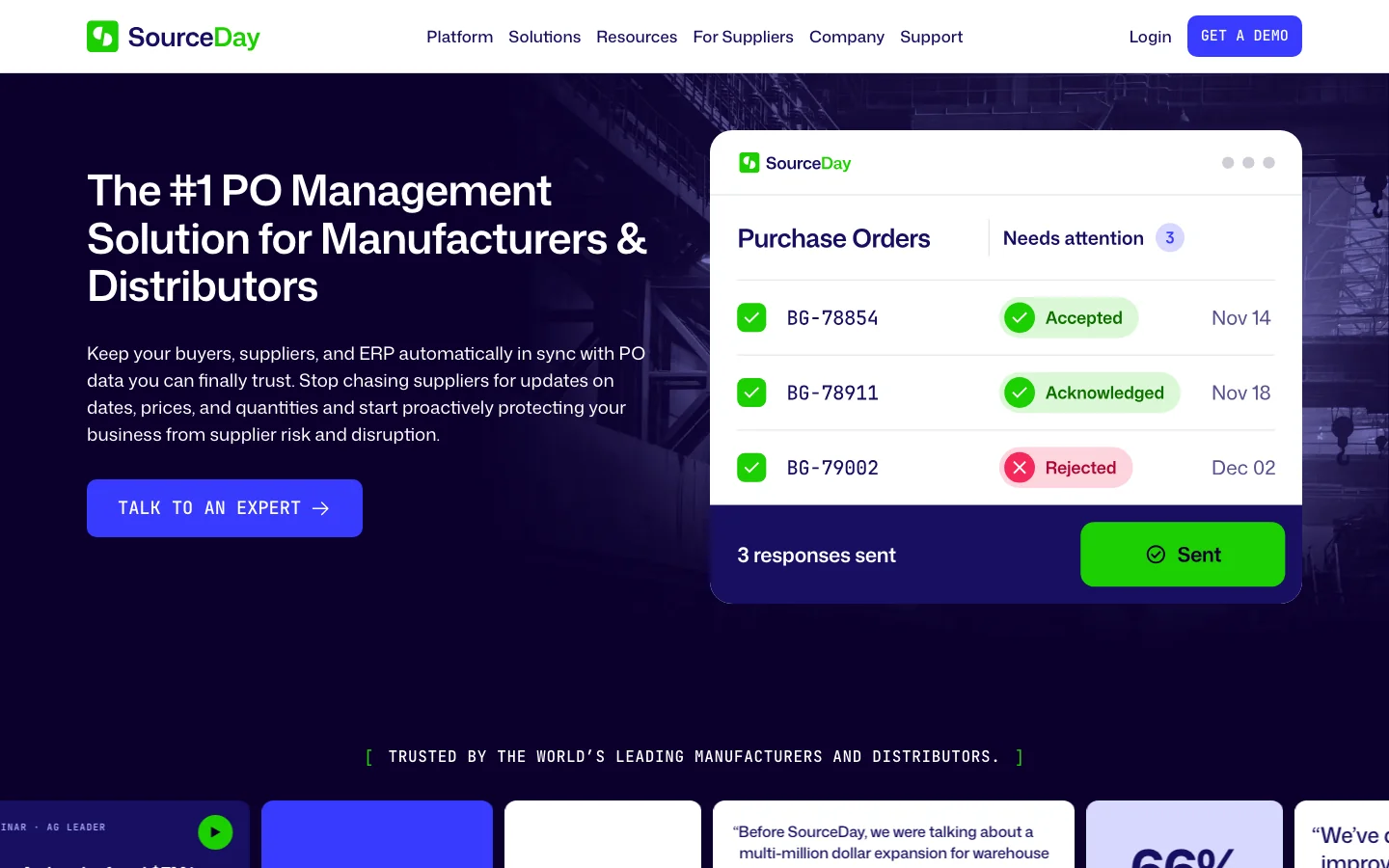
SourceDay is a PO management platform for manufacturers and distributors. A supplier can confirm from email with no login, in its dashboard, over EDI (electronic data interchange, a direct system-to-system order feed) or through its API. A supplier who sends its own acknowledgement by email is read by its document processing, matched to the PO lines and routed to your buyer before anything reaches the ERP.
Its AI agents chase open orders by email on a cadence you set and accept or reject low-risk changes by your rules. Your buyers work the changes inside SourceDay, and accepted ones sync back to the ERP.
- Suppliers choose how to answer: email with no login, a dashboard, EDI or an API
- Document processing for the acknowledgements suppliers email, with buyer review before the ERP
- Open Order Chaser: reminder emails on the cadence you set
- PO Change Agent: accepts or rejects low-risk changes by rule
- Accepted changes synced back to the ERP
Reddit barely discusses SourceDay: we found three mentions in the threads we read, and none from a user whose history we could check. On G2, a reviewer at a company of 51 to 1,000 people puts the catch in one line: "Occasionally, suppliers need extra coaching to use the platform correctly."
Pros
- Suppliers can stay in email
- Reads emailed acknowledgements too
- Agents chase and sort low-risk changes
Cons
- No published price
- Your buyers work in a second system
- Some suppliers need coaching
FrontFlow
Confirmations Read Straight Into Business Central
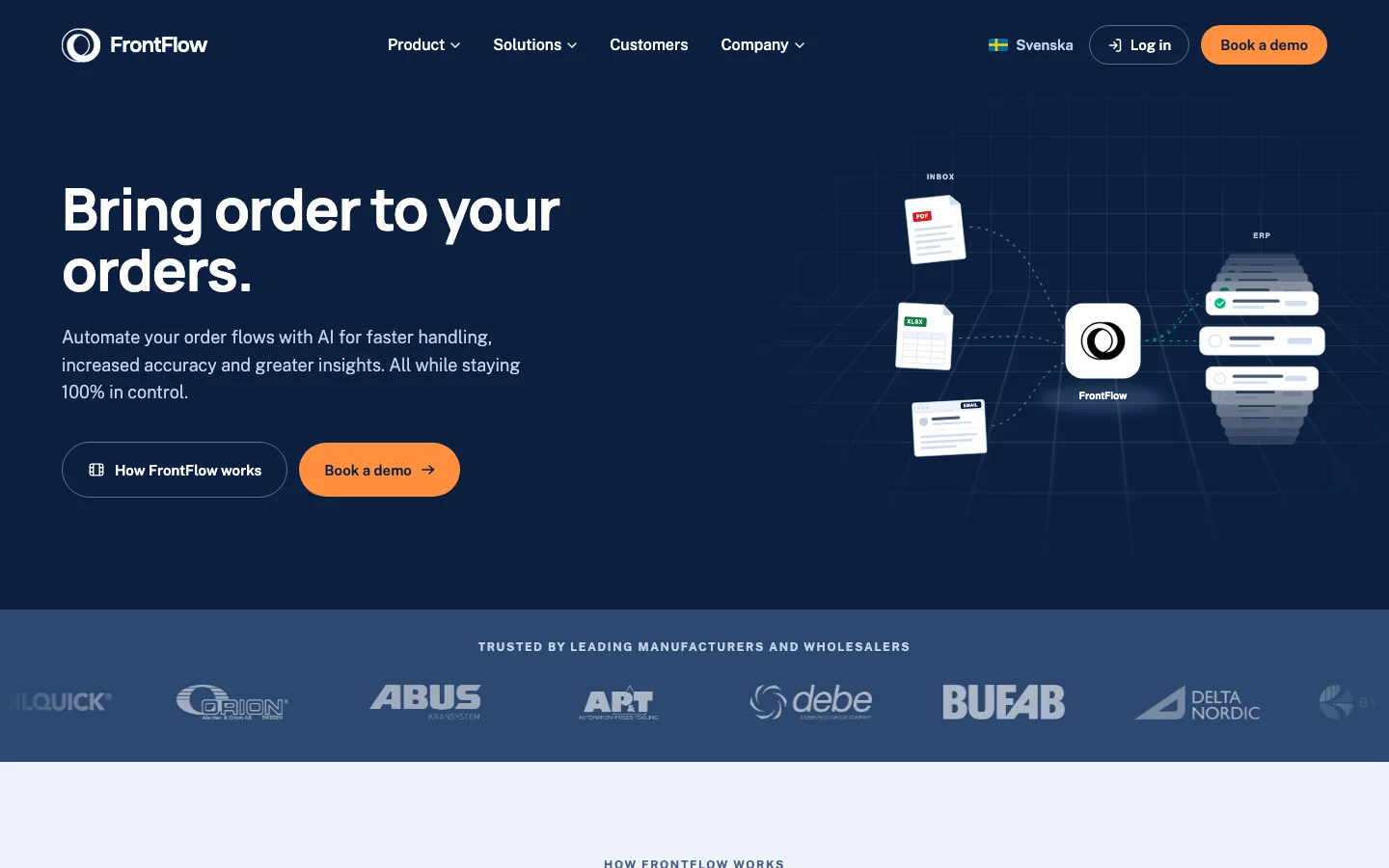
FrontFlow AB sells an app for Microsoft Dynamics 365 Business Central that reads supplier confirmations arriving by email, as free text or as attachments. It checks each against its PO and writes the confirmed dates and changes back to the order. You set how far a confirmation may differ: changes inside your limits update on their own, and the rest go to a buyer.
It installs from Microsoft AppSource with no change to Business Central and, by FrontFlow's account, runs in about two weeks. It needs Business Central online, version 28 or later, not on-premises. Its documented apps cover Business Central and Dynamics 365 Supply Chain Management, with more ERPs on request.
- Reads confirmations from email: the free text and the attachments
- Checks each against its PO in Business Central
- Your tolerances decide what updates on its own
- Writes confirmed dates and changes back to the PO
- Connects to Outlook for the inbox
We found no Reddit threads on FrontFlow and no G2 page.
Pros
- Lives inside Business Central
- Reads free text and attachments
- Tolerances you set
Cons
- Business Central online only, not on-premises
- Rates quoted, not published
- Little independent discussion yet
DocBits
Confirmation Capture for Infor and SAP Plants
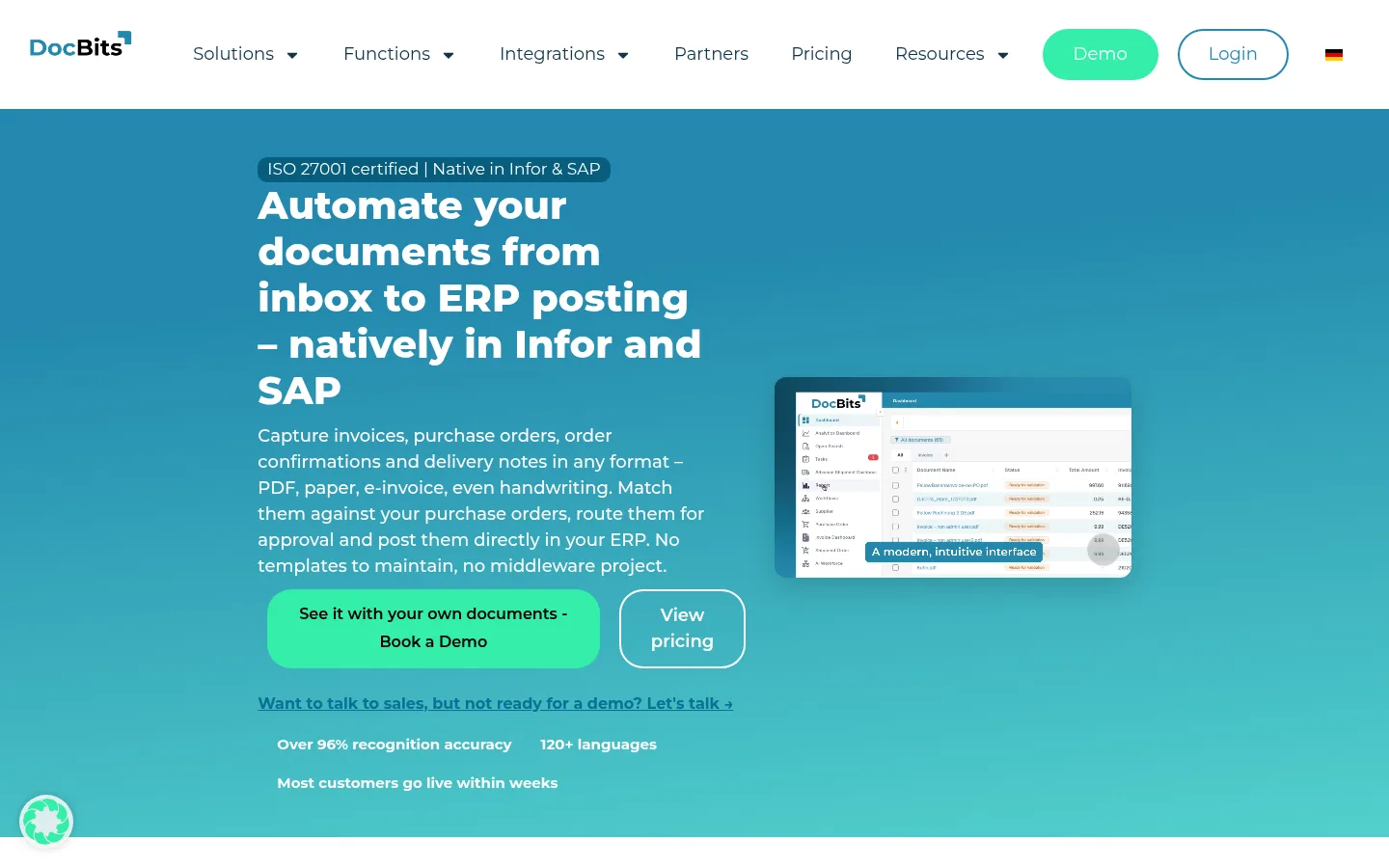
DocBits, from FELLOWPRO AG, reads the confirmations suppliers send to a mailbox: PDFs, scans or handwriting, in any layout and more than 120 languages. It compares prices, quantities and delivery dates line by line with the open PO and posts what matches straight into the ERP. Your team sees only the deviations, with the confirmation, the PO and the difference on one screen.
Suppliers change nothing: no portal to log into, no EDI project. Its documented native integrations are Infor LN, M3, CloudSuite and CSD, and SAP S/4HANA.
- Reads PDFs, scans and handwriting without templates, in 120+ languages
- Line-by-line check of prices, quantities and dates against the open PO
- Matching confirmations post to the ERP with no data entry
- Deviations shown with the PO for a person to accept or clarify
- Native in Infor and SAP S/4HANA, with no middleware
DocBits has no reviews on G2 yet, and we found no Reddit threads on it.
Pros
- Nothing asked of suppliers
- Reads scans and handwriting
- Posts matches straight to the ERP
Cons
- Documented for Infor and SAP S/4HANA
- Price list behind a form
- No G2 reviews yet
Microsoft Dynamics 365 Supply Chain Management
The ERP's Own Route, for Plants Already on It
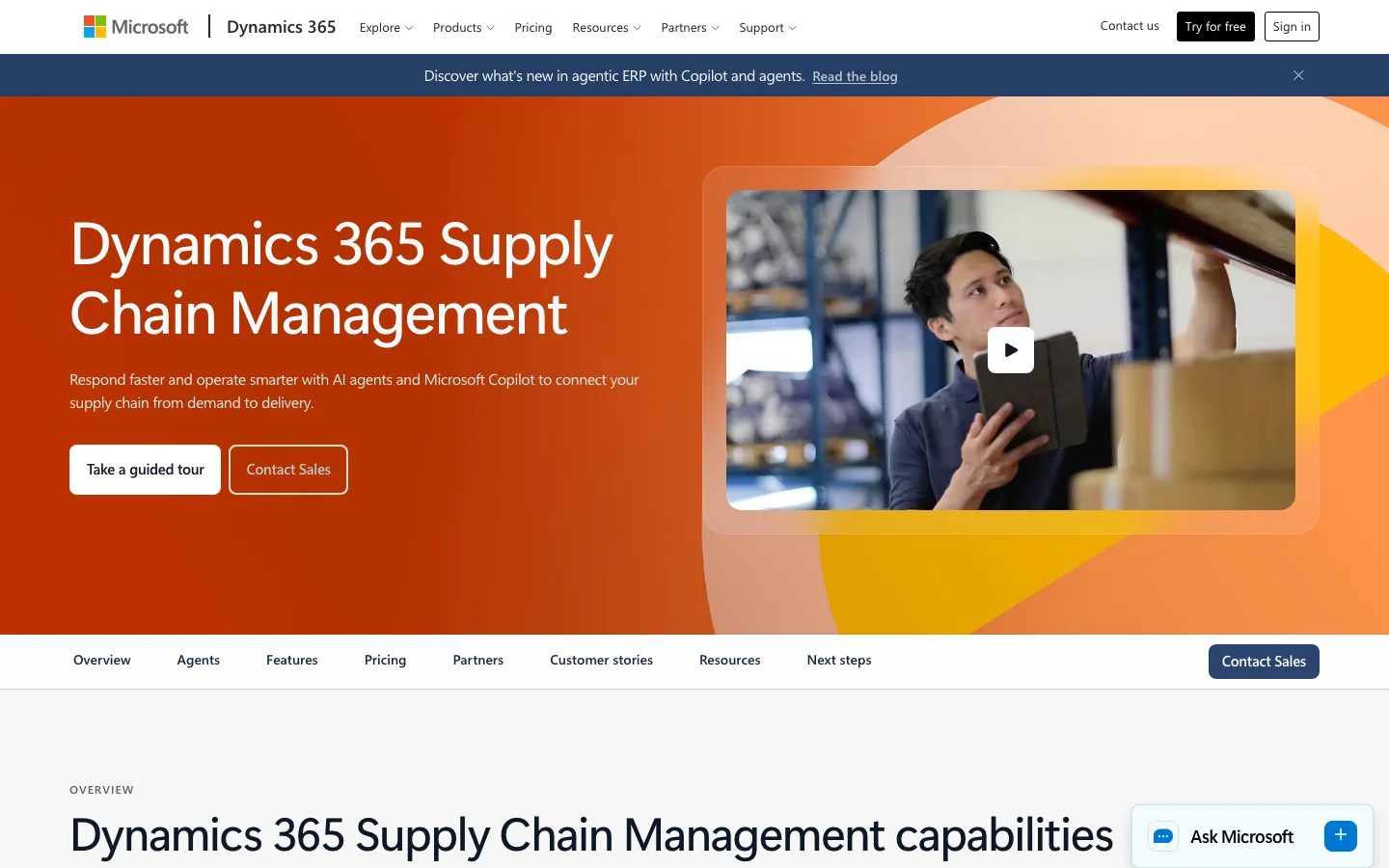
Two routes come with Dynamics 365 Supply Chain Management. Vendor collaboration gives suppliers a login where they accept a PO, reject it or accept it with changes; they cannot change a price, only suggest one in a note.
The Procurement Agent, still a production-ready preview, reads your vendors' emails, recognizes a confirmation or a change request, matches it to the PO's fields and lays the changes out for a buyer to apply. It also writes the reminder emails, sent at once or saved as drafts for review. It reads PDF attachments but not Word or Excel files, and each run is billed in Copilot Studio credits.
- Vendor collaboration: accept, reject or accept with changes, line by line
- Procurement Agent: reads vendor emails and PDF attachments and proposes PO changes
- Reminder emails written by the agent, sent or saved as drafts
- Proposed changes applied to the PO from one review page
- Impact analysis, also a preview: how a supplier's change affects inventory, production schedules and deliveries
In the Reddit threads we read, vendor collaboration comes up only in licensing questions, and the Procurement Agent not at all.
Pros
- No extra vendor if you run it
- Reads vendor emails and PDFs
- Published per-user prices
Cons
- Only for Supply Chain Management
- The agent is still a preview
- No Word or Excel attachments
SAP Business Network
For SAP Plants Whose Suppliers Already Trade There
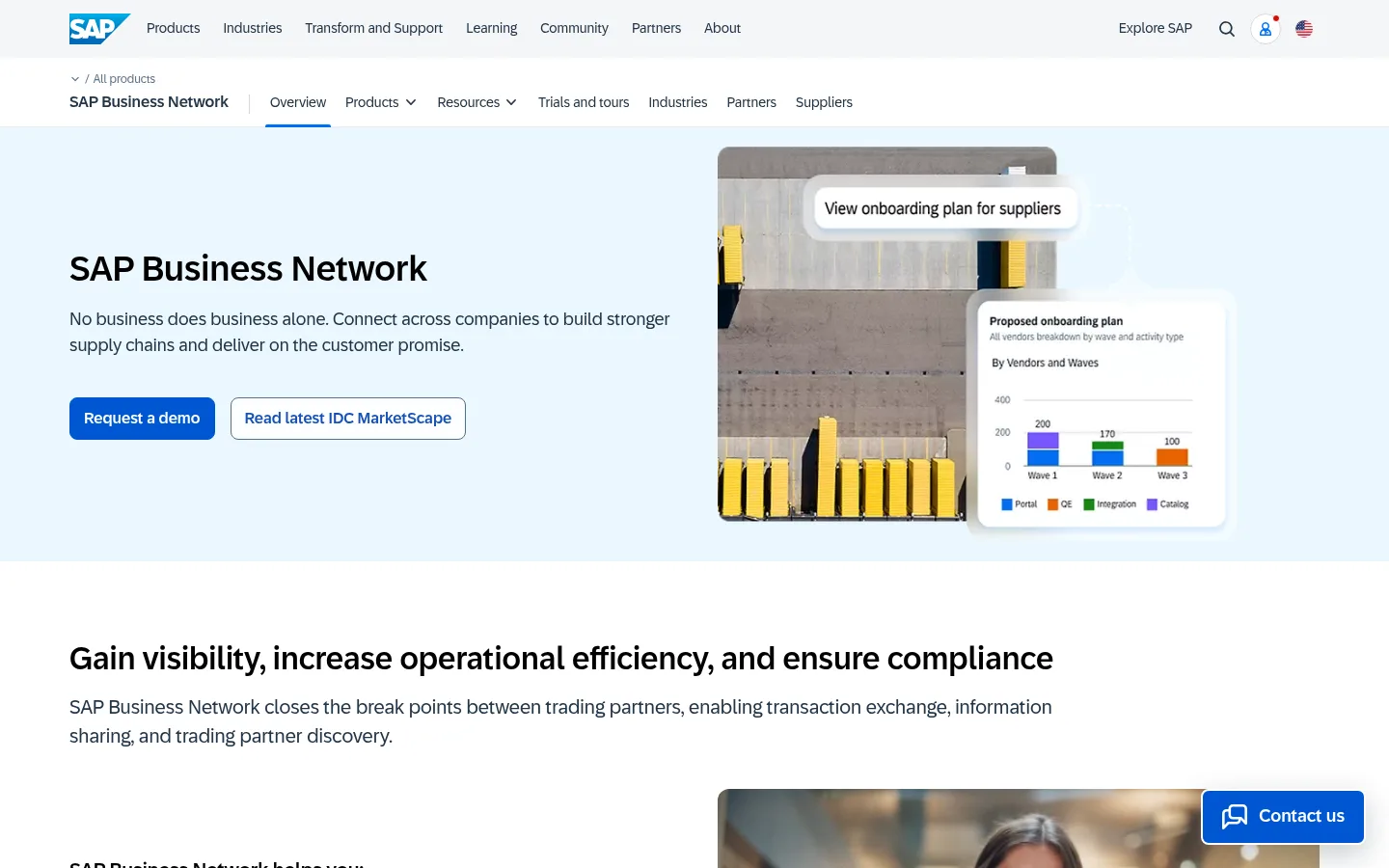
SAP Business Network, formerly Ariba Network, is SAP's network where buyers send POs digitally and see confirmations and shipping come back. A supplier needs an account: the standard one is free and covers orders, order confirmations, ship notices and change requests, while the paid one is a subscription tied to the volume it trades.
The suppliers who are not on the network are where it struggles: on Reddit, suppliers asked to join complain about the fees.
- Digital POs, order confirmations, ship notices and change requests over one network
- A standard supplier account at no cost, on the web and on mobile
- Paid supplier accounts for system links and analytics
- Forecast and inventory collaboration with suppliers
What Reddit says
16.3 / 100
101 independent mentions of Ariba, the name for SAP's network and its procurement suite together, in 15 threads, 2023 to 2026, most of them from suppliers
I’ve rolled out ariba in the past and had run into issues where suppliers would not work with us due to fees.
Some of our customers insist on providing their purchase orders and receiving their invoices in Ariba. It adds some time (not much), but also some costs (Ariba will charge yearly and monthly transaction fees that amounts from 100s to 1000s depending on the volume and value of the bills).
the end-user UI is not bad and catalogues are really good.
Pros
- The network SAP buyers already use
- A standard supplier account at no cost
- Forecasts and inventory as well as orders
Cons
- Suppliers must join
- Paid supplier accounts draw complaints
- No buyer price on SAP's pages
Coupa
For Companies Already Buying Through Coupa
Coupa is a spend management platform, and its supplier side is why it is here. A supplier can acknowledge a PO straight from Coupa's email, without joining its network or opening an account, or use the Coupa Supplier Portal, which costs suppliers nothing. You set whether suppliers confirm line by line and how many hours they have; high-volume suppliers can confirm through CSV or cXML files.
Its confirmation tools come inside Coupa's wider spend management platform. Coupa bought Rossum, a company that reads business documents with AI, in May 2026; its announcement describes that reading in invoicing.
- Email notifications a supplier acts on without an account
- A supplier portal at no cost, with line-level confirmation and a deadline
- CSV and cXML confirmation files for high-volume suppliers
- Part of Coupa's spend management platform
What Reddit says
57.0 / 100
43 independent mentions in 16 threads, 2021 to 2026
Not required to sign up with Coupa - you can flip PO to invoice directly from email without setting up an account. If you do use the supplier portal, it is at no cost to the supplier.
we implemented it with SAP S4/HANA for downstream and honestly, it works well, the users love using Coupa, at least from the mining industry.
I foolishly tried updating our company profile. It deleted about 20 fields from a previously-approved form.
Pros
- Suppliers can act from email
- A supplier portal at no cost
- Line-level confirmation with a deadline
Cons
- Part of a wider spend platform
- No published price
- Suppliers find some forms hard going
Your ERP Narrows the List to Two or Three
| Tool | How suppliers confirm | Start with it if |
|---|---|---|
| Qvery's custom AI agents | Any written form: email body, PDF, spreadsheet, scan, a saved portal or EDI file | Your suppliers answer in mixed written forms |
| SourceDay | Email, dashboard, EDI or API | You run Epicor, Infor, NetSuite or Acumatica |
| FrontFlow | Email, as text or an attachment | You run Business Central online |
| DocBits | Email, as PDF, scan or handwriting | You run Infor or SAP S/4HANA |
| Dynamics 365 Supply Chain | A login, or email read by the agent | You already run Supply Chain Management |
| SAP Business Network | A network account | Your main suppliers already trade on it |
| Coupa | Email, the portal, CSV or cXML | You already buy through Coupa |
Each turnkey tool here reads the confirmations it was built for, against the PO in the ERPs it was built for. At a plant whose ERP sits on one of those lists, that covers most of the job, and it is a fair reason to buy one.
| Tool | Where an accepted change lands | Price |
|---|---|---|
| Qvery's custom AI agents | With your buyer, who updates the ERP | Fixed for the build, plus a running cost |
| SourceDay | Synced to the ERP | Not published |
| FrontFlow | Written to the PO in Business Central | License plus a per-order price, quoted |
| DocBits | Posted to Infor or SAP | Price list after a form |
| Dynamics 365 Supply Chain | Applied to the PO after review | From $210 a user a month, paid yearly |
| SAP Business Network | On the network, where buyers see it | No buyer price on SAP's pages |
| Coupa | In Coupa | Not published |
What stays on the buyer's desk is whatever falls outside a tool's lists: an Excel confirmation where an agent reads only PDFs, an ERP a vendor has not built for, a price that matches the PO and breaks last year's agreement. I think every plant this size has some of each, and that remainder is the work we build custom agents for.
 Vlad ShvetsPartner @ Qvery
Before you choose, sort your suppliers by how they answer you today. If most of your spend sits with a few dozen who already trade on a network or over EDI, a platform is the sensible buy. If it is spread across hundreds who answer by email in whatever form they like, a platform gives your buyers one more place to work beside the inbox they already live in. That is the case for agents built around the inbox and the ERP you already have.
A Gasket Supplier's Confirmation, Read by Qvery's Agents
Take a typical example, not a client: a pump maker of about 200 people on SAP Business One. A gasket supplier answers a three-line PO with a PDF and two sentences in the email body. The PDF confirms all three lines at the ordered price. The second sentence says the third line ships in two lots, half of it three weeks late.
Our agents read both. Your buyer gets one short list: line three split in two, with the ordered date beside both confirmed dates, a note to your planner that the date moved, and a reply drafted to the supplier. The buyer edits the reply, sends it from their own mailbox and updates the order in SAP Business One, as they do now.
At Qvery, we help manufacturers spend less buyer time on supplier paperwork, with custom AI agents that check every confirmation against your order and draft the reply.
The agents read what the check needs: the purchasing inbox, the part, quantity, price and date on each open order, your price agreements and the production schedule. Finance and sales data stay closed. Before they touch any of it, we agree in writing what they may read, and every confirmation they check is logged. Accepting a new date or price stays your buyer's decision, never the agents'.
 Piotr BabelPartner @ Qvery
A confirmation is only as useful as the order it is checked against. So before the agents read one email, we map where your open orders, price agreements and tolerances live, and they pair lines by part number first and description second. When a supplier renames a part, your buyer sees both codes and decides; a pairing the agents are unsure of is marked as a question, never shown as settled.
You can send one supplier confirmation and the PO it answers through the agents here, and get back the line-by-line table and the drafted reply.
Setup runs on your own confirmations from the last month or two: your suppliers' formats, your ERP export and how your buyers record a change. The agents then check confirmations your buyers already handled, and live checking starts once both lists agree.
From the fifth week we review a scorecard with you each month: confirmations reviewed within two days, date changes in the schedule the same day, price rises over an agreement, and minutes per confirmation.
If a supplier already sends EDI, keep it: SourceDay works beside EDI, and Qvery's agents read EDI acknowledgements once your systems save them as files. Everything above is for the confirmations that arrive any other way.
Frequently asked questions
What is supplier collaboration software?
Software that carries a purchase order to the supplier and brings the supplier's answer back: the acknowledgement, the confirmed date, quantity and price, and later changes and ship notices. Some tools are portals suppliers log in to, some read the emails suppliers already send, and several now do both.
Does a supplier portal stop the chasing?
Only for the suppliers who use it. A portal moves the typing to the supplier, and the ones who never log in keep answering by email. That is why SourceDay, FrontFlow, DocBits and Microsoft's Procurement Agent read emailed confirmations, and Coupa lets a supplier confirm straight from its email.
What if our suppliers refuse to use a portal?
Pick a route that reads email. SourceDay lets suppliers answer from email with no login and reads the acknowledgements they email; FrontFlow and DocBits read the emailed confirmation itself; Qvery's agents read whatever written confirmation arrives, the email body included. SAP Business Network needs a network account, and Microsoft's vendor collaboration a login, though its Procurement Agent reads email.
What is the difference between EDI, a portal and email?
EDI, electronic data interchange, is a direct system-to-system order feed: precise, but each supplier has to be connected one by one. A portal asks the supplier to type the answer into your system. Email asks nothing of the supplier, so many keep to it, and it is the hardest of the three to read.
Which of these work with SAP Business One?
Qvery's agents read SAP Business One's open orders through its API or a scheduled export. SourceDay's certified list and DocBits' documented integrations do not name it, and FrontFlow's app is for Business Central.
Which work with Epicor Kinetic?
SourceDay is an Epicor partner and names Kinetic and Prophet 21. Qvery's agents read Epicor's open orders through an API or an export. DocBits and FrontFlow do not list Epicor.
Who updates the ERP when a supplier changes a date?
SourceDay syncs accepted changes back, FrontFlow writes them to the PO in Business Central, DocBits posts them to Infor or SAP, and Microsoft's agent applies them after a buyer reviews. Qvery's agents write nothing to the ERP: your buyer updates the order, as today.
Can software accept a supplier's change on its own?
Some can, within rules you set. SourceDay's PO Change Agent accepts or rejects low-risk changes, and FrontFlow updates the order when a change sits inside your tolerances. With Qvery's agents a change inside your tolerances shows as a match with a note, and anything else waits for your buyer.
What happens to suppliers who never confirm?
SourceDay's Open Order Chaser and Microsoft's Procurement Agent send reminder emails. Qvery's agents list the PO lines a confirmation left unanswered, so your buyer calls those suppliers first; chasing them is a separate job we build on its own.
Do suppliers pay to use these?
On SAP Business Network the standard supplier account costs nothing and the paid account is priced on volume; its fees are a common supplier complaint. The Coupa Supplier Portal costs suppliers nothing. SourceDay's email route, FrontFlow, DocBits and Qvery's agents need no supplier account at all.
Can they read confirmations in other languages?
DocBits reads more than 120 languages. Qvery's agents read German, Spanish, Italian, Chinese and most other languages as they arrive, and flag a supplier who switches currency.
Do we need EDI to use any of these?
No. SourceDay keeps EDI where a supplier already has it and adds email, a dashboard and an API for the rest. Microsoft built vendor collaboration for vendors without an EDI link. FrontFlow, DocBits and Qvery's agents read the confirmations that arrive by email.
Can Qvery's agents work beside a tool we already run?
Yes. They read portal and EDI acknowledgements once your systems save them as files, so a plant on SAP Business Network or SourceDay can hand them the confirmations those tools leave in the inbox.
What does Qvery need from us to start?
Two months of supplier confirmations, the changed ones among them; your open orders by API or a scheduled export; read access to the purchasing inbox for confirmations only; your price agreements with the main suppliers; and the production schedule. From your purchasing manager, two hours in the first week.
How long does setup take?
FrontFlow says about two weeks and DocBits a few weeks for most customers. Qvery's agents spend their first two weeks on your own confirmations, and live checking starts once their list agrees with what your buyers caught.
