Find The Customers You Have Twice
Customer Record Matching Agent groups the records that look like the same person across your stores, brands and systems. Each group shows what matches and what differs, and your team decides.
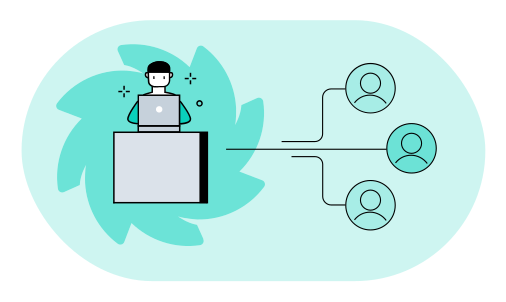
Find The Duplicates In Your List.
- The records that look like the same person, grouped
- What matches and what differs in each group
- The records with too little to go on, listed apart
 Vlad Shvets, Partner @ Qvery
One loyal shopper can look like three. A work email in one store, a personal email in another, a phone number typed two ways. But two people can also share an address, or a parent's number. At Qvery, we help retailers spend less on cleaning customer data, with custom AI agents that group likely duplicates. Your team decides every group, and nothing is merged on a guess.
Customer Record Matching Agent.
Likely matches, with the evidence in view.
Every List, From Every System
The agent reads the customer lists from each brand, store and system: your online store, your loyalty program and your order system. How those systems work does not change.
In your build, it also checks each new sign-up against the customers you already have. The free try works on one export.

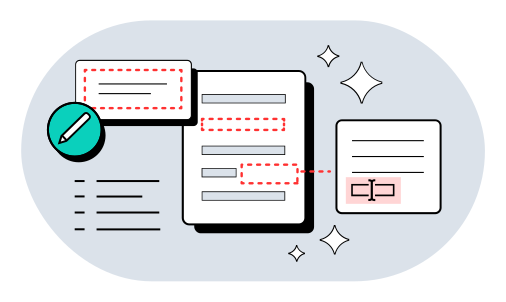
One Format Before Any Comparison
The agent puts names, emails, addresses and phone numbers into one format before it compares anything. "(555) 010-2233" and "555.010.2233" become the same number.
That cleaned copy lives only inside the agent's work. Your own records stay exactly as they are.
Groups With The Evidence
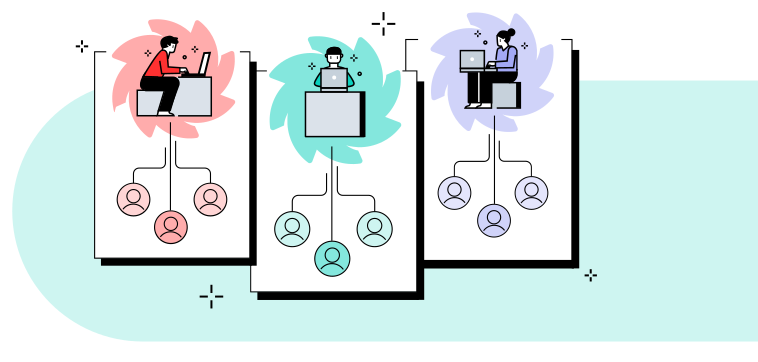
The agent groups the records that look like the same person. Each group shows the fields that match and the fields that differ, side by side.
A shared address with two different names stays a question, never a match. Records with too little to go on are listed on their own.
Your Team Decides Each Group
Your team looks at each group and decides which records belong together. The evidence is already on the screen.
Merging, linking or deleting a record happens in your own systems, by your team. The agent only proposes the groups.
What Duplicate Customers Cost Your Team.
Put in your own team's numbers. The result updates as you type.
Your Numbers
- Saved a year
- $28,980
- Today
- $56,300
- With the agent
- $27,320
- Pays back in
- 10.4 months
- Three-year return
- 248%
- Deploys for about
- $25,000
Saved a year $28,980
Read The FAQs.
What does Qvery do for retailers?
At Qvery, we help retailers spend less time fixing their data, with custom AI agents that match customer records and product codes. We build them on your own data. Your customers sit in several systems under different emails, phone formats and spellings, so one loyal shopper looks like three. The agent reads the lists from each brand, store and system and groups the records that look like the same person. Each group comes with its evidence, and your team decides on all of them. The result is a list of groups your team can go through one by one.
Can it catch a shopper with a new email?
Yes, when everything else still matches. The agent compares name, phone and address, so a new email alone does not hide a returning shopper. When we build your agent, it can also check each new sign-up against the customers you already have. Say a shopper signed up in a shop with a work email. Online, that shopper used a personal one, with the same phone and address. The agent puts the two records in one group. A match arrives with its evidence, so your team sees why the two records look alike before it decides.
Should we link a shopper's emails?
That is your team's call, and the agent helps you make it. A work email in one store and a personal one in another can be one shopper. But two people can also share an address, or a parent's number. Linking emails changes how you count and contact a shopper, so the decision stays with people who know your customers. Each group shows what matches and what differs, so you decide where two records are really one person.
What if the address matches, names differ?
The agent shows that group with the name difference and the matching address next to each other. A shared address alone never makes two records the same person. It stays a question, never a match. Say two records share a home address but have different first names, perhaps a household. The group shows both names beside the address and leaves the call to your team. Your team looks at the evidence on the screen and decides which records belong together. Nothing is merged on a guess.
Does it merge records?
No. It proposes groups with the evidence. Merging, linking or deleting a record happens in your own systems, by your team. Before it compares anything, the agent puts names, emails, addresses and phone numbers in one format. So "(555) 010-2233" and "555.010.2233" become the same number. Your own records stay exactly as they are.
Will it tell us how many customers we have?
It gives you the likely groups and the records it could not resolve. Records with too little to go on are listed on their own, never forced into a group. A count from the agent alone would hide the records it could not resolve, so it hands over both. That is the honest starting point for counting. The count itself stays your team's to make, once it has decided on the groups.
How much does it cost to build?
An agent for this job costs about $25,000 to build and $400 a month to run. The calculator above shows what that means against your team's time. Put in your own team's numbers and the result updates as you type. It sets the build and the monthly cost against the time your team spends on duplicate customers today. Duplicates mean you cannot trust your count of shoppers, and the calculator prices the time spent on that. The agent reads the lists and groups the records, so your team spends its time on the decisions.
How is customer data kept safe?
The agent reads only the exports and systems you connect it to and changes nothing. You decide where it runs and how long anything is kept. The lists it reads come from your online store, your loyalty program and your order system. The cleaned copy it makes for comparing lives only inside its own work. What comes back is groups with their evidence, not a merged list. Only the lists you connect are compared with each other.
How soon can it run on our customer data?
We deliver a working agent in about two weeks, tuned on your own customer lists. Your team reviews its groups before it runs regularly. After that, it runs regularly. The first groups your team sees come from your own lists, not a sample file. Your build covers all your systems, and the free try is one export.
What does the free try send back?
The likely duplicate customers in your export, grouped, with what matches and what differs. Each group is laid out so your team can decide on it quickly. Nothing in your export is changed. One export is enough to see whether the groups look right to your team. You send one customer export with every system's records in it. The sample on the page is a homewares retailer's export from its web store, shops and loyalty card. It comes from vlad@qvery.ai within 15 minutes. We delete your file as soon as your result is sent.