A Clear Plan Before Every Month-End
Month-End Close Planning Agent puts your close checklist in order, using what each task waits on. It shows what's missing an owner or a date, and what's likely to run late.
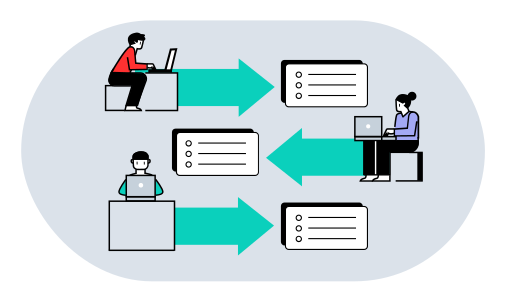
Plan Your Next Month-End.
- Your tasks in running order
- A reviewer for each task who didn't prepare it, where your list allows
- The tasks missing an owner or date, and those likely to run late
 Piotr Babel, Partner @ Qvery
A close checklist in a spreadsheet says what has to happen. It doesn't say in what order, or what's about to block everything behind it. At Qvery, we help finance teams spend less time on the close, with custom AI agents that plan it from your checklist. Where a duration or a link between tasks is missing, the plan says so. You start the close knowing where the risk is.
Month-End Close Planning Agent.
Your close in order, with its risks shown.
The Checklist You Already Keep
The agent reads your close checklist as it is: tasks, owners, due days and notes on what waits on what. Your team learns no new tool.
The plan comes back in a format your team can open. In your build, it is rebuilt each month with that month's dates.

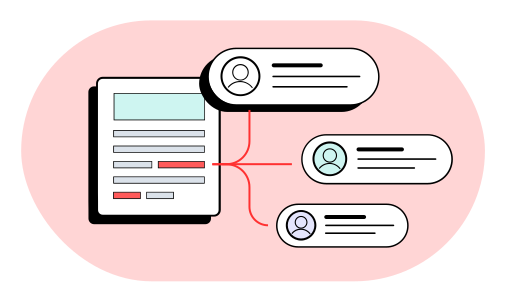
In Order, With A Second Reviewer
The agent puts the tasks in order from what your checklist says each one waits on. Where that isn't written down, it asks.
Each task gets a reviewer from your eligible list who didn't prepare it. Where no one qualifies, the plan says so.
Gaps And Tasks At Risk
The agent flags tasks missing an owner, a reviewer or a due day. It also flags tasks waiting on something already late.
A reconciliation scheduled after the task that needs it is flagged too. A missing duration stays unknown, never guessed.

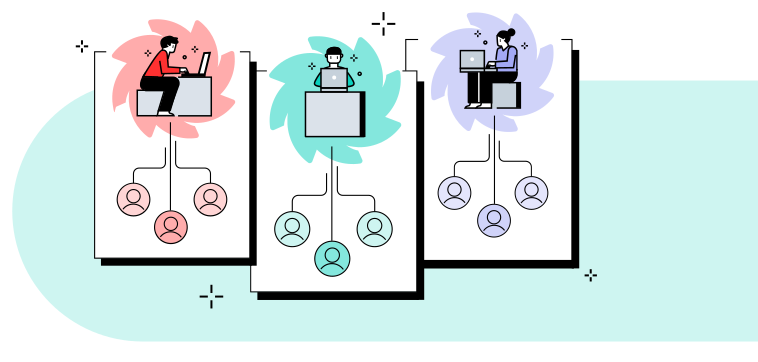
Your Team Starts With A Clear Plan
Your accounting lead starts the month-end with the plan in hand. When a task slips, the agent moves the dates of the tasks that wait on it.
In your build, it can update the status sheet you use today. Every task is still prepared and signed off by your team.
What Running The Close Costs You.
Put in your own team's numbers. The result updates as you type.
Your Numbers
- Saved a year
- $19,140
- Today
- $47,880
- With the agent
- $28,740
- Pays back in
- 15.7 months
- Three-year return
- 130%
- Deploys for about
- $25,000
Saved a year $19,140
Read The FAQs.
What does Qvery do for accounting teams?
At Qvery, we help finance teams spend less time on the close, with custom AI agents that plan it from your checklist. We build them around the checklist you already keep. The first working result comes in about two weeks. A checklist in a spreadsheet says what has to happen. It doesn't say in what order, or what's about to block everything behind it, and the plan does. The plan adds order, reviewers and the risks to a list of tasks. Where a duration or a link is missing, the plan says so.
Do we need a new tool for our checklist?
No. The agent reads your close checklist as it is: tasks, owners, due days and notes on what waits on what. Your team learns no new tool. The plan comes back in a format your team can open. In your build, it can also update the status sheet you use today. Your close can stay in the shared spreadsheet where it lives now. Those links can stay in the notes column you already use.
How does it know what waits on what?
From what your checklist says: the notes on what waits on what, the due days and your usual order. The agent puts the tasks in running order from those links. Where a link isn't written down, it marks it unknown and asks you. A missing duration stays unknown, never guessed. So the plan shows only the order your own list supports. Your accounting lead answers each question once, and the plan follows. The plan lists each question next to the task it is about.
What problems does it look for?
It looks for tasks with no owner, reviewer or due day. It flags tasks waiting on something already late. It also flags a reconciliation scheduled after the step that needs it. Each flag names the task and what is missing. The flags sit in the plan next to the tasks they concern. Your accounting lead sees the risks before the month-end starts and decides what to do about each one. A task waiting on something already late is flagged even when its own due day looks fine.
Does it sign off tasks?
No. It plans, flags and moves the dates of tasks when one slips. It never signs off or posts anything. Each task also gets a reviewer from your eligible list who didn't prepare it. Where no one qualifies, the plan says so, and your accounting lead decides. A person on your team prepares and signs off every task, and the preparer is never the reviewer. The agent plans and reminds, and your people do the work. Reminders go to the owner of each task as dates move.
Can it handle recurring monthly tasks?
Yes. In your build, the plan is rebuilt each month from the same checklist, with that month's dates. Nobody creates the tasks again by hand. The reviewer for each task is chosen again from your eligible list. When one task slips, the agent moves the dates of whatever waits on it. Checklist changes you make carry into the next plan, and your accounting lead gets it before the month-end starts. Every plan has one structure, so changes from one close to the next are easy to see.
How much does it cost to build?
An agent for this job costs about $25,000 to build, then roughly $400 a month to run. The $25,000 is a one-time build, and the monthly figure covers running it. The calculator above shows what that means against your accounting team's time. It prices the hours spent running the close by hand. Put in your own team's numbers, and the result updates as you type. The calculator shows the monthly figure beside the build. It counts the people on the close and the share of their week it takes.
Does our checklist need staff names?
No. Codes or initials work just as well, one per person. The agent needs an owner on each task, and a code does that job. The reviewer for each task is picked from the eligible list you give, whether it holds names or codes. Your close checklist can keep the names out of it. A plan built on codes reads the same as one with names. Initials are fine as long as each maps to one person.
How soon can it plan our close?
We deliver a working agent in about two weeks, set up with your checklist. Set-up covers your checklist's columns, your eligible reviewers and your usual order. It runs on your next close beside your accounting lead first. You see its plan next to your own before you rely on it. After that, your accounting lead starts each close from its plan.
What does the free try send back?
It sends back your close in running order and a reviewer for each task where your list allows. It adds the gaps and anything at risk. You send your close checklist. Include owners, due days, what each step waits on and who may review. The result comes from vlad@qvery.ai within 15 minutes. We delete your file as soon as it is sent. A sample is a software company's close workbook of 45 tasks, with owners, timings, links and reviewers. Your accounting lead opens the plan on the first day of the close. The free try covers one close, so you judge the result on your own checklist and your own tasks.