Find What Changed In Every Issued Policy
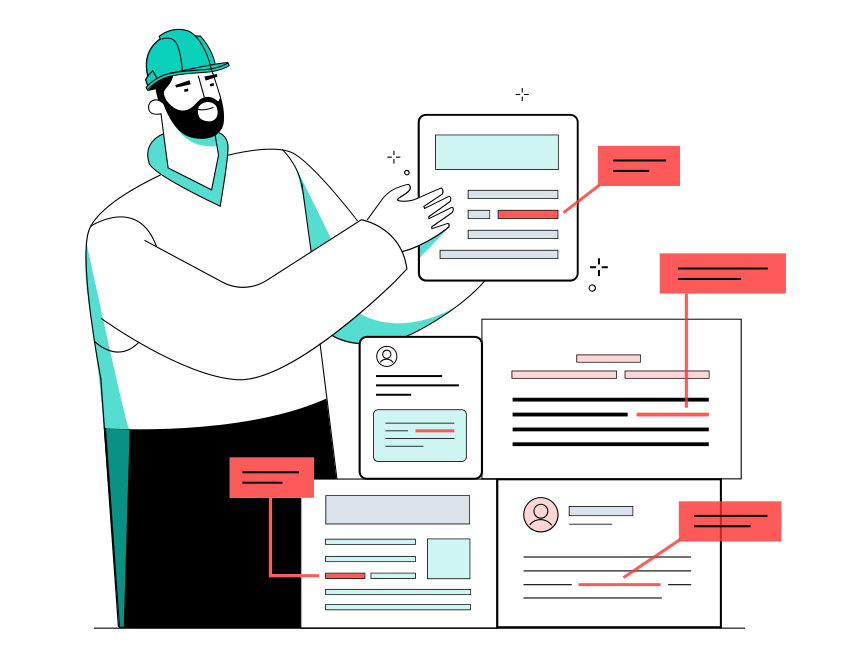
Policy Checking Agent compares each issued policy with the quote or binder it should match. Your account manager gets every difference with its page and the questions for the insurer.
Check One Issued Policy.
- Every difference between the policy and its quote or binder
- The page for each value, in both documents
- The questions for the insurer, ready to send
 Piotr Babel, Partner @ Qvery
Someone at your agency reads each issued policy against its binder, line by line, two files side by side. It's careful work, and renewals bring it back every year. At Qvery, we help insurance agencies put people on the work that matters, with custom AI agents that check issued policies. Your account manager starts from the lines that differ, each with its page. Deciding what a difference means stays with them.
Policy Checking Agent.
Policy differences shown, each with its page.
The Policy Arrives, The Check Starts
When an insurer sends an issued policy, the agent picks it up from your usual inbox or folder. It finds the quote or binder the policy should match.
Nobody has to open it first or remember it came in. Renewals go through the same check.
Both Documents, Line By Line
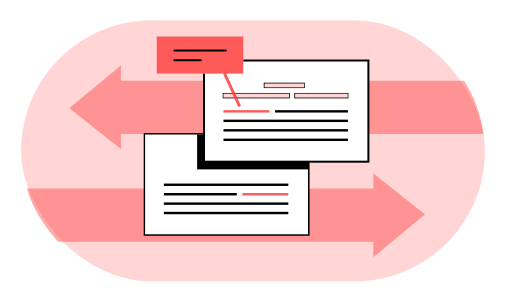
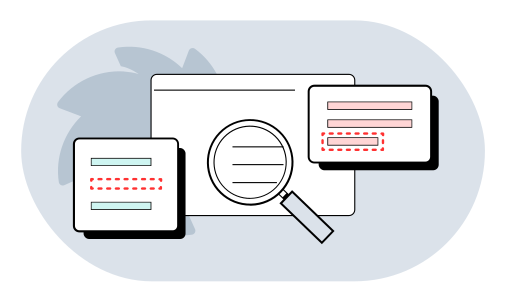
The agent compares the insurer, the insured business, the dates, every limit and deductible, and the listed forms. It reads scanned pages too.
A page too blurry to read is listed as unreadable. The agent never fills in a value it can't see.
Every Difference With Its Page
For each line that differs, you see the policy value, the binder value and the page in both. A line missing from the policy is listed apart.
Your account manager knows exactly where to look. They check each difference against both pages instead of rereading both documents.
Your Account Manager Sends The Questions
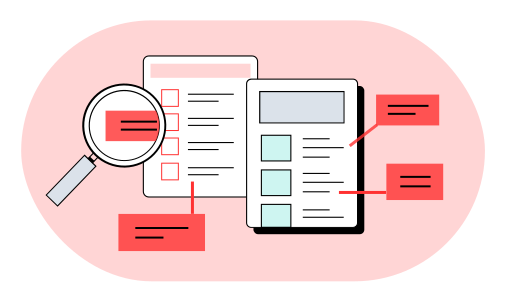
Your account manager gets the differences and the questions for the insurer, already written. They edit them and send them.
Whether a difference matters for this client is their call. Nothing changes in your agency system without a person.
What Policy Checking Costs You.
Put in your own team's numbers. The result updates as you type.
Your Numbers
- Saved a year
- $89,560
- Today
- $140,800
- With the agent
- $51,240
- Pays back in
- 3.3 months
- Three-year return
- 975%
- Deploys for about
- $25,000
Saved a year $89,560
Read The FAQs.
What does Qvery do for insurance agencies?
At Qvery, we help insurance agencies put people on the work that matters, with custom AI agents that check issued policies. We build them around the way your team works, starting with the inbox or folder where policies arrive. Each agent compares an issued policy with its quote or binder and lists the lines that differ, with their pages. Your account manager gets the differences and the questions for the insurer, ready to send. A mismatch that slips through can turn into a dispute or an errors and omissions claim.
How does it fit into our agency?
We connect it to the inbox or folder where issued policies arrive, and to their quotes and binders. That is wherever your team already receives them. When an insurer sends a policy, the agent picks it up from there. Nobody has to open it first or remember that it came in. The agent matches it to its quote or binder and starts the comparison. Renewals go through the same check, so the work that returns every year is covered too. Your people only see the result: a list of differences with their pages.
Why is checking a policy so slow today?
A business policy has to be read against its binder, every form included. Done by hand, that means two files open together and a careful pass through each line. Renewals bring the same work back every year. It is careful work, and a skipped line is easy to miss on a long policy. The agent does that reading as the policy lands. Your account managers then start from the differences instead of the full documents, and the hours go to their clients.
Do account managers still check policies?
Yes. Your account managers decide what each difference means for the client. They check it against the pages in the two files instead of rereading both in full. A line missing from the policy is theirs to raise with the insurer. They edit the questions for the insurer and send them. Every correction is made by a person, and nothing changes in the agency system without one. The agent does the reading, and the account manager does the judging.
How do we try it before going live?
Start with the free try on this page. It checks one issued policy against its quote or binder, so you see the work on your own paper. It is the quickest start: one policy, one quote or binder, one comparison. In your build, the agent runs beside your team on real policies first. Your account managers compare what it finds with their own checks.
What exactly does it compare?
It compares the insurer, the insured business, the dates, every limit and deductible, and the listed forms. For each difference you see what each document says and the page in both. The forms are compared as a set, the policy's against the binder's. A line missing from the policy is listed apart. The agent reads digital and scanned pages. A page too blurry to read is listed as unreadable, and the agent never fills in a value it cannot see.
How much does it cost to build?
An agent for this job costs about $25,000 to build. Running it costs about $750 a month. The calculator above shows what that means against your account managers' time. Put in your own team's numbers and the result updates as you type. That time goes on reading each issued policy against its binder, and again at every renewal. The same build also prepares the questions for the insurer.
How is our clients' data kept safe?
The agent reads only the documents you connect it to. You decide where it runs and how long anything is kept. It reads and compares, and it changes nothing in your agency system. Your account manager edits the questions before anything goes to an insurer. The agent contacts no one on its own, and each client's documents stay within the connection you set up. Differences come with their pages, so a person can go back to the original. Nothing has to be taken on trust.
Which documents does it read?
Issued policies, declarations pages, quotes, binders and policy changes, as digital documents or scans. The quote or binder is the reference the issued policy is compared with. Policy changes are read the same way as the original. The free try takes the policy and its quote or binder, since the comparison uses both. Whatever the insurer sends, the agent lists what it could read and what it could not.
What does the free try send back?
Every difference between your policy and its quote or binder, with the pages for each, plus the questions for the insurer. The result comes from vlad@qvery.ai within 15 minutes, and your files are deleted as soon as it is sent. The sample we show is a cabinet maker's issued policy with the binder it should match. Each difference shows the two documents' wording, so the gap is clear at once. Nothing is summarized away, and each line keeps its page. Your account manager can start a real check from this result.