On this page
Reviewing the other side's draft is the chore at the start of a deal: a lawyer reads it clause by clause against what the client will accept, and types the changes into Word, one draft at a time. On a long agreement that is hours of billable reading, and the clause that slips through is the one the firm answers for.
These eight are the tools a firm your size would compare for that pass, judged on whose positions each one applies and where its markup lands. The process around the review stays each firm's own, from picking the client's positions to filing the markup. Firms build that part, and building it is what we do at Qvery.
1. Spellbook: Your Standards as Checklists, Run Inside Word
Spellbook sits in Word and runs a first pass on the counterparty's draft against standards you write as checklists, with rules and fallback positions, then redlines and drafts from your own precedents.
It says more than 5,000 legal teams use it, law firms and in-house teams together, and lawyers on Reddit discuss it more than any other dedicated tool in this list.
- A first-pass review against your standards on every contract
- Playbooks, the written rules a firm applies on every draft, with fallback positions
- Redlines, plus drafting from AI or your precedents
- Contracts pulled in from email and Slack
- Organization-wide playbooks and benchmarks
What Reddit says
55.9 / 100
59 independent mentions in 19 threads
I use it mostly as a read behind of my own review and to help overcome writer’s block when drafting new terms.
The tool is honestly more useful than I expected.
It HALLUCIATED a result -- indicating that a particular local code section prohibited the language in the lease and citing a section of that Code.
Pros
- Works in the draft your lawyer already has open
- Your positions on every review
- Plenty of independent reviews from lawyers to read
Cons
- No published price
- Its value rises and falls with the playbook you write
- Some lawyers report suggestions they had to throw away
2. Gavel Exec: A Published Price and Playbooks Built From Your Signed Deals
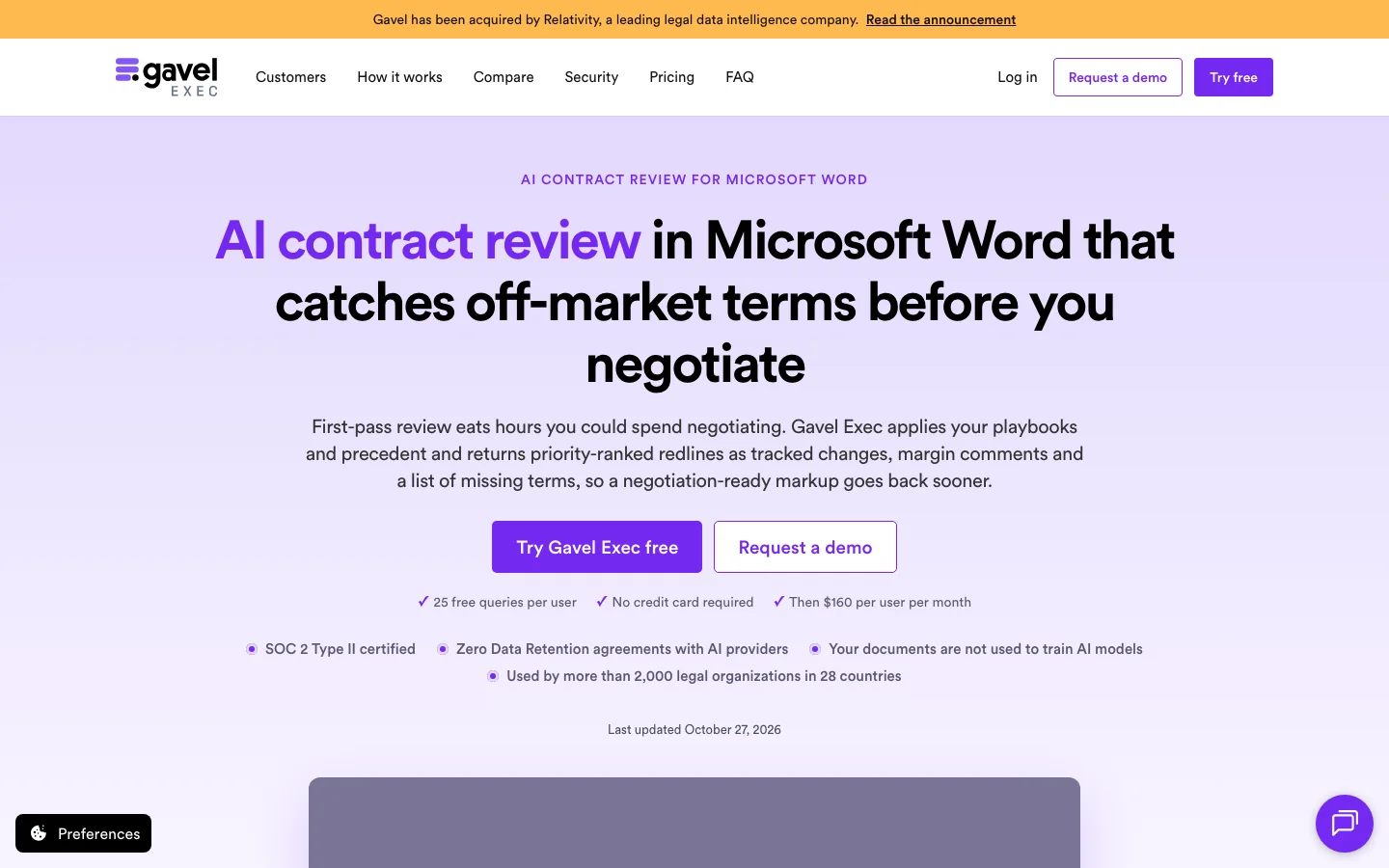
Gavel Exec works in Word and on the web and returns its review as priority-ranked tracked changes, margin comments and a list of missing terms, with the reason for each change. Its playbooks come built in, written by you in plain language, or generated from your own checklists and signed agreements.
It publishes its price, and you can set the country and state so the review follows that jurisdiction.
- Redlines as tracked changes, ranked by priority, with the reasoning behind each
- Playbooks built in, written in plain language, or generated from signed agreements
- Missing-term lists and playbook pass or fail results
- Jurisdiction set per review, down to state or province
- Word for Windows, Mac and the web, plus its own web app
What Reddit says
78.1 / 100
16 independent mentions in 8 threads
It used to just perform well on simple contracts and over the last several months it's gotten really solid with long contracts and cross-referencing different agreements I've loaded as precedent.
I just switched to Exec - I’m also a big Gavel user and the price is right.
Pros
- A published price and a free start
- Playbooks from the deals you already closed
- Tracked changes ranked by what matters most
Cons
- Fewer independent reviews than Spellbook
- Now owned by Relativity
- A per-seat price that adds up across a large group
3. Copilot for Legal: Already in Word If Your Firm Pays for Copilot
On October 15, 2026, Microsoft made its legal skills in Copilot generally available, and the legal plugin is on by default in Word desktop for every Microsoft 365 Copilot commercial subscriber.
Its Review contract skill takes your playbook as a Word file, breaks it into topics and rules you can edit, then reviews the contract and proposes changes as tracked changes. For now it reviews only from a playbook, not from a template or a past agreement.
- A Review contract skill driven by your own playbook, uploaded as a .docx
- Playbook rules shown for you to check and edit before the review runs
- Proposed edits as native Word tracked changes, accepted one by one or all at once
- Drafting from approved precedents stored in SharePoint, where your firm keeps those documents
- Copilot Cowork for multi-step work across agreements, emails and files
What Reddit says
58.6 / 100
64 mentions of Copilot for legal work in 20 threads
If you use Microsoft day to day, MS 365 copilot is a gamechanger.
Microsoft CoPilot also uses Claude and has very good integration if you are on M365 and SharePoint.
In my experience copilot is pretty incompetent. Fine for low risk tasks but I wouldn't trust it to redline.
While copilot has improved a lot in September, it’s way behind GPT and Claude
Pros
- Nothing new to buy if you already license Copilot
- Your playbook, broken into rules you can see
- Native tracked changes, no add-in to install
Cons
- Reviews only from a playbook, not a template or precedent
- New: generally available only since October 15
- Lawyers' reports on Copilot for legal work are mixed
4. Claude for Word: The General Assistant Lawyers Already Use
Claude for Word is Anthropic's add-in for every paid Claude plan. It edits in tracked-changes mode, so each change lands as a revision you accept or reject, and it summarizes a counterparty's redlines and flags the ones worth pushing back on.
It is a general assistant, not a legal product, and it reviews against whatever positions you give it.
- Tracked-changes mode: every edit is a revision in Word's own review pane
- A summary of the counterparty's redlines, with the ones worth pushing back on flagged
- Reviews against the positions and documents you give it
- Included in every paid Claude plan, on Word for Windows and Mac
- No training on your content by default on its business plans
What Reddit says
59.2 / 100
305 mentions of Claude for legal work in 40 threads, on any surface, not only Word
Claude MS Word plug-in does the same thing and is free with a paid account.
You don’t need to paste your playbook fresh everytime. Claude cowork can connect to a folder with your form precedent and just go from there anytime.
most of the capabilities are table stakes in legaltech and contract redlining tools have matured way beyond this
Claude MS Word plug-in doesn't even come close to Spellbook.
Pros
- Nothing new to buy for a firm already on a paid Claude plan
- Edits land as tracked changes in tracked-changes mode
- Business plans keep client content out of model training by default
Cons
- Not built as a legal product
- Consistency depends on the instructions your lawyers give
- Shared rules mean writing your own instructions or skills
5. BlackBoiler: Positions Drawn From Your Old Redlines
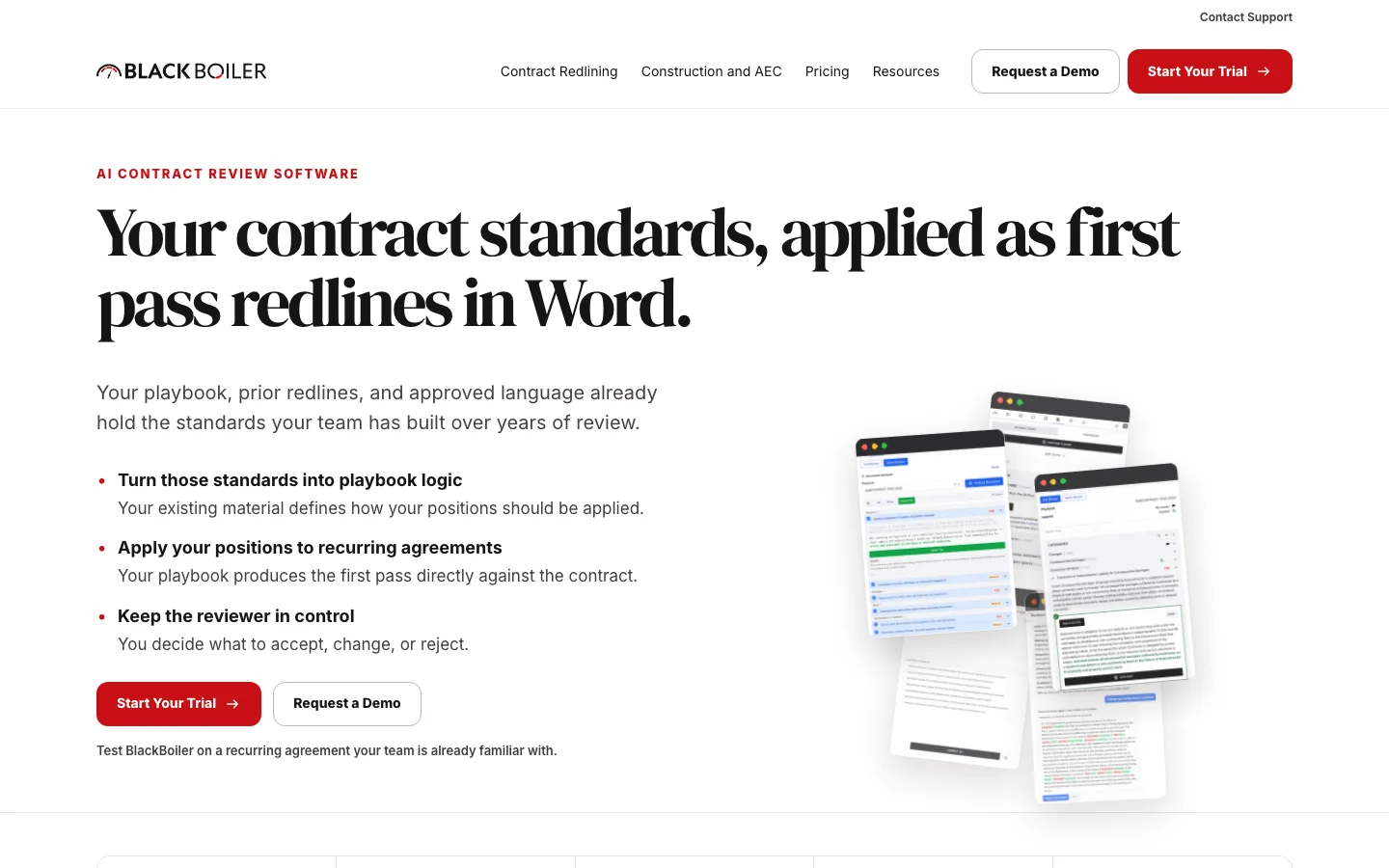
BlackBoiler starts from the material your firm already has: the playbook, prior redlines, approved language and examples. It turns that into playbook rules, you approve them, and it applies them to the next agreement as tracked changes and comments in Word.
Its own site lists law firms applying set positions across client matters among its uses.
- Playbook rules built from your prior redlines, approved language and examples
- Rules you review and approve before they touch a contract
- First-pass markup as tracked changes and comments in Word
- Analytics and an admin dashboard on the Pro plan
- A 7-day trial on one of your own recurring agreements
Reddit barely discusses BlackBoiler.
Pros
- Learns your positions from work you already did
- A published price
- Every rule approved before it runs
Cons
- Upload caps on the fixed plans
- Almost no independent discussion to check it against
- Best on agreements that repeat
6. LegalOn: A Library of Attorney-Built Playbooks From Day One
LegalOn reviews against playbooks its own attorneys wrote, or yours written in plain English, ranks what it finds by severity, and redlines in Word or the browser. Its law firm page says the playbooks adjust to each client's needs and risk profile; its pricing page is written for in-house teams.
- A library of attorney-built playbooks for common contracts and positions
- Your own playbooks, written in plain English
- Risks ranked by severity, with suggested edits
- Review and redlining in Word or the browser
- Translation of 28 languages into English, and redlines back
Reddit barely discusses LegalOn.
Pros
- Playbooks ready before you write one
- Severity ranking on every review
- Review in Word or the browser
Cons
- No published price
- Built first for in-house legal teams
- Little independent discussion among lawyers
7. Luminance: Precedent From Past Deals in Every Markup
Luminance is a full contract platform that writes its markups into Word. It applies your playbooks, preferred positions and the record of past deals to each incoming contract and generates markups in Word, even where no formal playbook position exists yet. Its press releases name law firm customers beside its corporate ones.
- Playbooks, preferred positions and fallback language applied to incoming contracts
- Precedent from past deals drawn into each new review
- Markups in Word where no formal playbook position exists yet
- What you accepted before with the same counterparty, shown beside the new draft
- Checklists that walk a reviewer through the core positions
What Reddit says
35.0 / 100
10 independent mentions in 6 threads
The legal team has recently brought in Luminance for AI contract drafting/DMS/versioning management+comparison/automation/case management(-ish).
I would choose Spellbook over Luminance. All of them seem to have both good and not so good elements
Pros
- Draws on how terms were agreed before
- Works where no playbook exists yet
- Law firm and corporate customers
Cons
- No price on its site
- A platform to roll out
- Lawyers on Reddit are mostly critical or neutral about it
8. Definely: A Second Check on Drafts, Whoever Wrote Them
Definely checks a draft against your standard form and the deal itself, catching drifted definitions, cross-references that point at nothing, and clauses that strayed from the form. Definely suggests and you decide: whatever you accept goes in as a tracked change.
Its line is "the maker cannot be the checker," and it now runs inside Claude and ChatGPT as well as Word.
- Checks a draft against your standard form and the deal's own terms
- Defined terms looked up, and inconsistencies flagged, without leaving the clause
- Broken cross-references and proofreading on long agreements
- Accepted changes inserted as tracked changes
- An issues list from each turn's markup, to take your client through
- The same checks inside Claude, ChatGPT and a firm's own AI tools
Reddit barely discusses Definely.
Pros
- Checks long, cross-referenced agreements line by line
- A second look at drafts written by AI
- Used by law firms and in-house teams alike
Cons
- A checker beside a review tool, not instead of one
- No price on its site
- Barely discussed on Reddit
| Tool | Works in | Whose positions | Start with it if |
|---|---|---|---|
| Spellbook | Word | Yours, as rules with fallbacks | You want positions applied on every draft |
| Gavel Exec | Word, web | Built in, yours, or from signed deals | You want a published price |
| Copilot for Legal | Word | Yours, from a playbook file | You already pay for Copilot |
| Claude for Word | Word | Whatever you give it | You already work in Claude |
| BlackBoiler | Word | Drawn from your old redlines | You keep positions in old redlines |
| LegalOn | Word, web | Its attorneys' playbooks, then yours | You have never written a playbook |
| Luminance | Platform, Word | Playbooks plus past deals | You review the same agreement types at volume |
| Definely | Word | Your standard form and the deal | You review long defined-term drafts |
What the Tools Leave Open
At Qvery, we help law firms spend less of their lawyers' time on first markups and issue lists, with custom AI agents that pick up each counterparty draft, apply the client's positions in the tool your lawyers already use, and draft the issue list a lawyer checks before it goes out.
Our agents connect to the document system, email, and Word your firm already uses, and nothing leaves the firm until the lawyer on the matter approves it.
If contract review is one of several document jobs filling your associates' week, our legal playbook ranks the others.
Your Firm's First Contract-Review Agents
Your lawyers show us how a first markup gets made today, and we agree what the agents may read and change. Two weeks after access is in place, the first agents are drafting issue lists on your own matters.
Frequently asked questions
How accurate is AI contract review software in 2026?
We found no published test that ranks the dedicated review tools against each other. Treat every markup as a first draft that the responsible lawyer reads before it leaves the firm.
Do these tools work on contracts that are already redlined?
Some say so directly. Claude for Word summarizes a counterparty's redlines and flags the ones worth pushing back on, and Copilot proposes its own edits as tracked changes.
Can AI review a scanned contract?
Most of these tools mark up Word documents: Gavel Exec, for one, reviews and redlines contracts as Word files. LegalOn says it works with PDF as well.
Who writes the playbook the tool reviews against?
Three ways, depending on the tool. You write it, as in Spellbook or Copilot's Review contract skill. The vendor ships it, as in LegalOn's attorney-built library or Gavel's built-in playbooks. Or it is drawn from your past work, as BlackBoiler does from old redlines and Gavel from signed agreements.
When should an AI-flagged clause go to a lawyer?
Before anything leaves the firm, every time. The tool narrows where the lawyer looks and proposes a redline; the lawyer on the matter decides what the client accepts. Decide in advance which flags a paralegal may prepare and which only a lawyer may answer, and write that into the playbook.
Is client data safe in these tools?
Read each vendor's terms before a client's contract goes in. Gavel says it does not train models on customer data, and Spellbook and BlackBoiler say much the same. Claude's business plans exclude your content from model training by default.
What does the tool change for associates?
It changes where they start: instead of a blank read of the counterparty's draft, they begin from a list of flagged clauses and a proposed markup, and spend their time on the judgment calls.
Which AI contract review software publishes its price?
Gavel Exec and BlackBoiler. Gavel Exec costs $160 per user a month, or $1,740 a year, with 25 queries per user to start and no card. BlackBoiler's Starter plan is $1,250 per user a year and Pro $3,000. Spellbook, LegalOn, Luminance and Definely price by quote.
Can Microsoft Copilot review contracts in Word?
Yes. On October 15, 2026, Microsoft made its legal skills in Copilot generally available, on by default in Word desktop for Microsoft 365 Copilot commercial subscribers. Its Review contract skill works from your playbook uploaded as a Word file, not from a template.
Is Claude for Word a dedicated legal review tool?
No. Claude for Word is a general assistant included in every paid Claude plan, available on Word for Windows and Mac. Review consistency depends on the instructions your lawyers give it. Shared rules require writing your own instructions or skills.
What is Spellbook best for?
Applying your own positions on every draft inside Word. You write standards as checklists with rules and fallbacks, and it runs a first pass, redlines and drafts from your precedents. It says more than 5,000 legal teams use it, and it has no published price.
What document upload limits does BlackBoiler set?
BlackBoiler allows 25 document uploads a month on Starter, with 2 playbooks for 1 user. Pro allows 100 uploads a month and up to 5 playbooks per user. The largest plan offers unlimited documents by quote.
Can LegalOn review contracts in other languages?
LegalOn offers translation of 28 languages into English, and redlines back. Its review and redlining work in Word or the browser. It ranks risks by severity and provides suggested edits. Its playbooks adjust to client needs and risk profiles.
What does Definely check in a contract?
A draft against your standard form and the deal itself: definitions that drifted, cross-references that point at nothing, and clauses that strayed from the form. It suggests and you decide, and it runs in Word, Claude and ChatGPT.
Can Luminance mark up clauses without a set playbook position?
Luminance generates markups in Word even where no formal playbook position exists yet. It draws on past deals alongside your playbooks and preferred positions. It also shows what you accepted before with the same counterparty beside the new draft.
Which AI contract review tools do lawyers discuss most on Reddit?
Spellbook, among the dedicated tools, with 59 independent mentions in 19 threads. Claude drew 305 mentions for legal work on any surface. Lawyers on Reddit were mostly critical or neutral about Luminance.
Who owns Gavel Exec?
Relativity, which now owns it. Gavel Exec works in Word and on the web, returns priority-ranked tracked changes with the reason for each change, and lets you set the country and state so the review follows that jurisdiction.