
On this page
If you own a service company with forty or a hundred trucks, field service management software is the system your office dispatches from and your technicians invoice from on a phone. The question to put to it is whether it catches the part a technician fitted, wrote in the notes and never put on the ticket.
Every platform below builds the invoice from what was entered on the job; of the five, only BuildOps' pages describe an agent that reads the visit notes for work left off it. Our own work comes first: custom AI agents from Qvery that read each closed job against its invoice, beside the platform you keep. The five platforms follow by how close each comes to that second read.
Custom AI agents by Qvery
Each Closed Job Read Against Its Invoice
Qvery builds no field service platform, and nothing on this list has to go; the agents work beside the one you run.
When a technician closes a job, the agents read its notes, time log, parts issued and any photo of a paper ticket, then the invoice, and match every part, foot of material, labor hour and second trip in the notes to a line.
What reaches your billing team is a short list: each item with no line, in the technician's own words, with the job, the date and a price from your pricebook (the list of priced parts and tasks your technicians pick from). A quantity that differs is shown with both numbers.
Warranty, goodwill and flat-rate work is marked by your own rules once they are loaded, so the list holds questions rather than noise.
The agents only read. They never change, hold or send an invoice, and a finding names the job, never the technician.
- Reads notes, time logs, parts issued and photos of paper tickets on every closed job
- Matches your crew's shorthand to pricebook items, tuned on your own past jobs
- Prices each missing item from your pricebook, trip charge and labor rate
- Marks warranty, goodwill and flat-rate work by your rules
- Reads jobs from ServiceTitan, Housecall Pro, BuildOps, FieldEdge and most others, or from a nightly export
Pros
- Works beside the platform you keep
- Each missing item in the technician's words, priced
- Your own rules decide warranty and flat-rate work
Cons
- Custom-built for your company's jobs and rules
- Schedules, dispatches and invoices nothing
- Needs read access and your pricebook rules first
BuildOps
Visit Notes Read for Unbilled Work, Inside the Platform
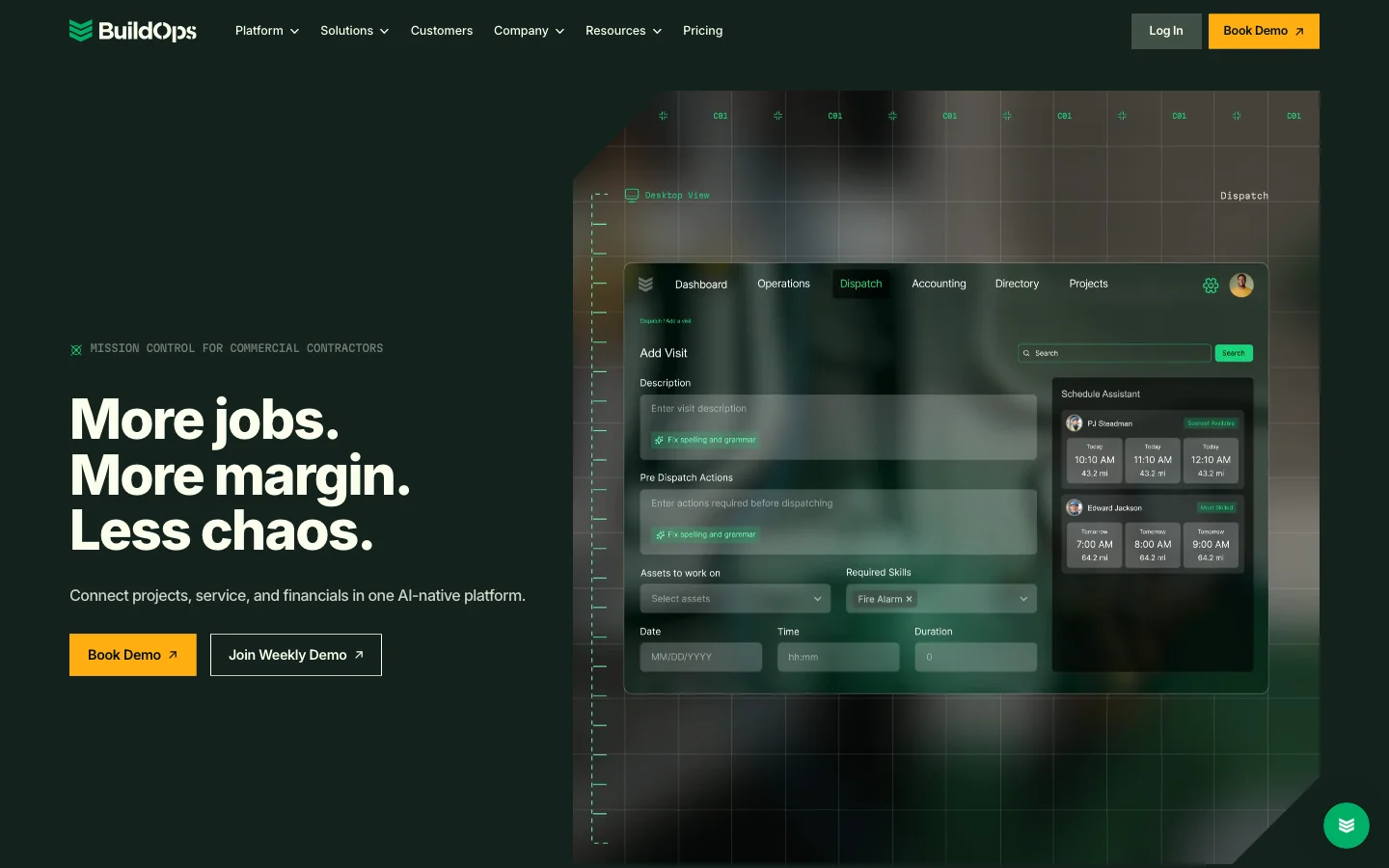
BuildOps is built for commercial contractors and runs their service, projects and financials in one system. Of the five platforms, it is the one whose own words describe reading the technician's notes for work that never reached the job.
Its Service Coordinator Agent, announced on November 5, reads visit notes for billable parts, fees and time that never made it onto the job and prices them from the contractor's own price book.
A Billing Agent applies each customer's billing rules, builds the invoice, and flags low markups and completed jobs left uninvoiced. Nothing an agent writes reaches a customer until a person approves it.
The Revenue Agent is in early access, the full set of service agents reaches customers in January 2027, and the check runs on jobs kept in BuildOps.
- Service agents that read visit notes for unbilled parts, fees and time, from January 2027
- A Billing Agent that applies each customer's billing rules and flags jobs left uninvoiced
- Visit notes captured by voice in the field
- Invoice summaries and bulk payment matching
- Integrations with Viewpoint Vista, Viewpoint Spectrum, Sage Intacct, NetSuite and QuickBooks
What Reddit says
78.9 / 100
19 independent mentions in 11 threads, 2022 to 2026
BuildOps? We love it for our mechanical service division. Wouldn’t recommend it if you guys are residential though.
I can say from a service mechanics standpoint point it’s easy to use and there are tabs that have to be completed that store the data for each customers equipment.
BuildOps is mostly nice but it’s glitchy.
They have not been able to solve an issue for 2+ weeks now after roughly that same time frame for the same issue last month.
Pros
- The notes check, built into the platform
- A person approves everything the agents write
- Implementation included in every plan
Cons
- Service agents arrive in January 2027
- Built for commercial work, not residential
- Your jobs have to live in BuildOps
ServiceTitan
The Whole Office in One System
For a company with dozens of trucks, ServiceTitan covers the whole office: call booking, dispatch, pricebook, memberships, payroll and reporting, for residential and commercial work.
On the invoice, its AI, Titan Intelligence, writes the invoice summary in one tap from the job summary, the completed forms and the invoice items.
Since the Winter 2026 release, on commercial service work, it can also draw on the technician's saved work summary, so the invoice reads like the notes; the pages we read describe no check of the lines against them.
Its assistant, Atlas, lists reviewing invoices for accounts receivable among the things it will do in the office, marked coming soon.
Today the extras reach the ticket through the field app: the pricebook on the technician's phone, and forms that prompt them through every stage of a job.
- Pricebook in the field app, with Pricebook Pro as a paid add-on
- Checklists that prompt technicians through every stage of a job
- Invoice summaries written by Titan Intelligence from the job, forms and items
- Memberships, payroll and commission tracking
- Atlas assistant, with invoice review for accounts receivable announced
What Reddit says
29.8 / 100
89 independent mentions in 27 threads, 2021 to 2026. Most sit in threads started as complaints; outside those it scores 39.4
We use ServiceTitan. It’s expensive, but it does a lot. We compared it to the salary of hiring another office person to help manage the backend, so it’s still cheaper than payroll.
You basically build a pricebook to allow your techs to have the correct pricing and thats all they can do unless you unlock it
We migrated to Service Titan a few years ago and its much better then our old system but I feel like it takes forever to train up any of my new employees
We've used servicetitan for 4 years and nobody at our shop has ran in to problems that seem to be extremely common online.
Pros
- Covers the whole office in one system
- Pricebook and checklists in the field app
- Residential and commercial work
Cons
- No published price
- New staff take long to train, users say
- Atlas invoice review: coming soon
ServiceTrade
Commercial Service, Priced by the Technician
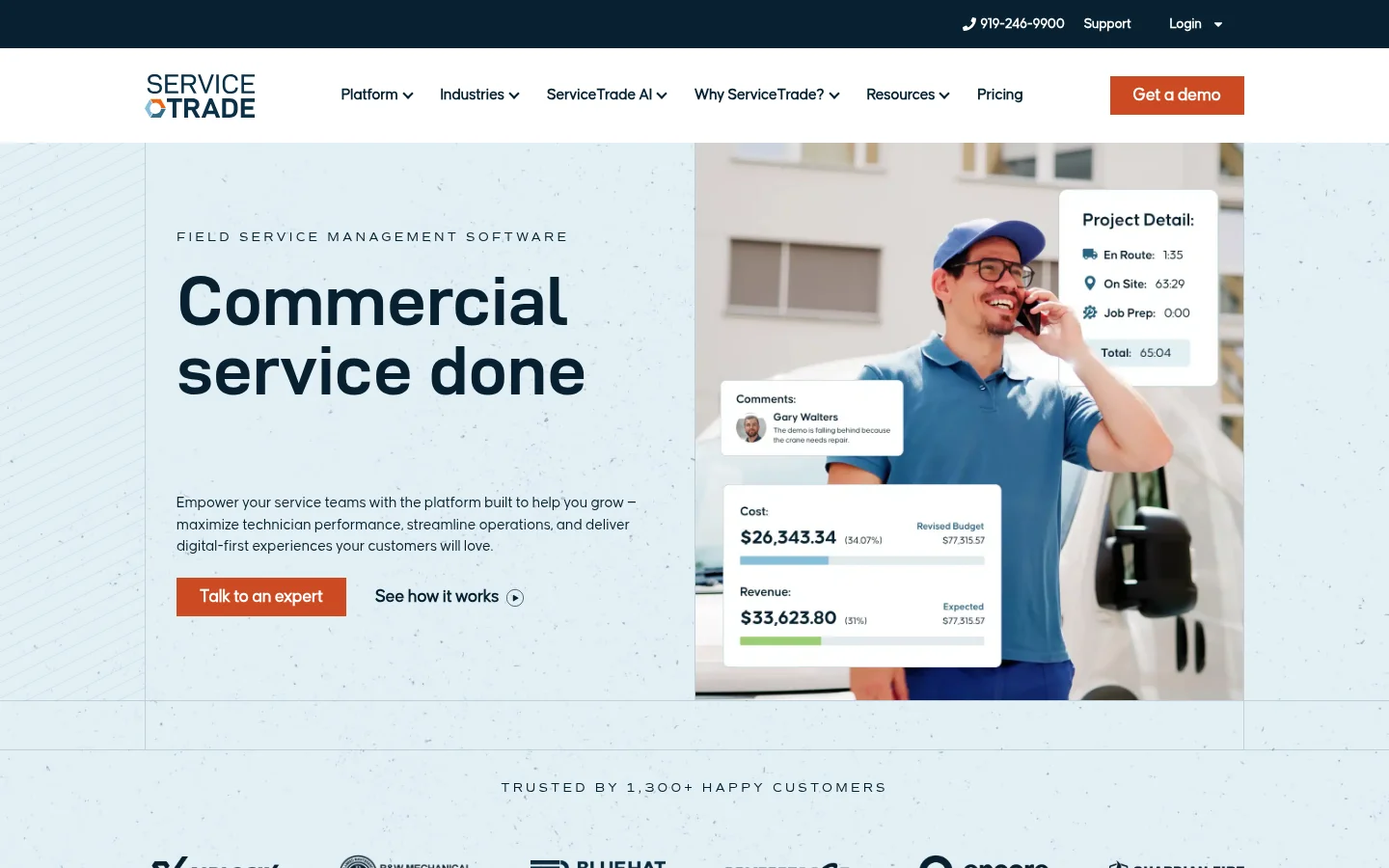
ServiceTrade is built for commercial service contractors in HVAC, mechanical, fire protection and electrical work. It prices by the number of technicians and gives every suite unlimited office users, a fit for a company whose office grows faster than its fleet.
Two features keep billing close to the job: parts tied to the jobs they were used on, and Smart Assistants that turn a technician's field notes into comments a customer can read.
Its Stella agents turn deficiencies found on site into quotes ready for review. At the invoice stage ServiceTrade says they move completed work toward billing "with the right details", without describing a read of the notes against the invoice.
- Parts tied to each job, from the truck to the warehouse
- Smart Assistants that turn field notes into customer-ready comments
- Stella agents that turn site deficiencies into quotes
- Unlimited office users in every suite
- QuickBooks integration from the first suite
What Reddit says
58.9 / 100
28 independent mentions in 11 threads, 2021 to 2026
We use Service Trade. I love it. Not crazy expensive, asset tracking…..and did I mention it’s not crazy expensive. We are commercial HVACR. Doesn’t really work with residential
great for adding notes and equipment to help the next guy or make additions visible to the customer. overall 8/10, but it took our IT people a while to customize and implement
There is a lot of potential with the app but its only as good as the office personal.
Pros
- Unlimited office users
- Parts tied to each job
- Suites for mechanical service and fire protection
Cons
- Built for commercial service
- AI starts at Premium
- A long setup, users report
Housecall Pro
Published Prices and Invoices by Voice
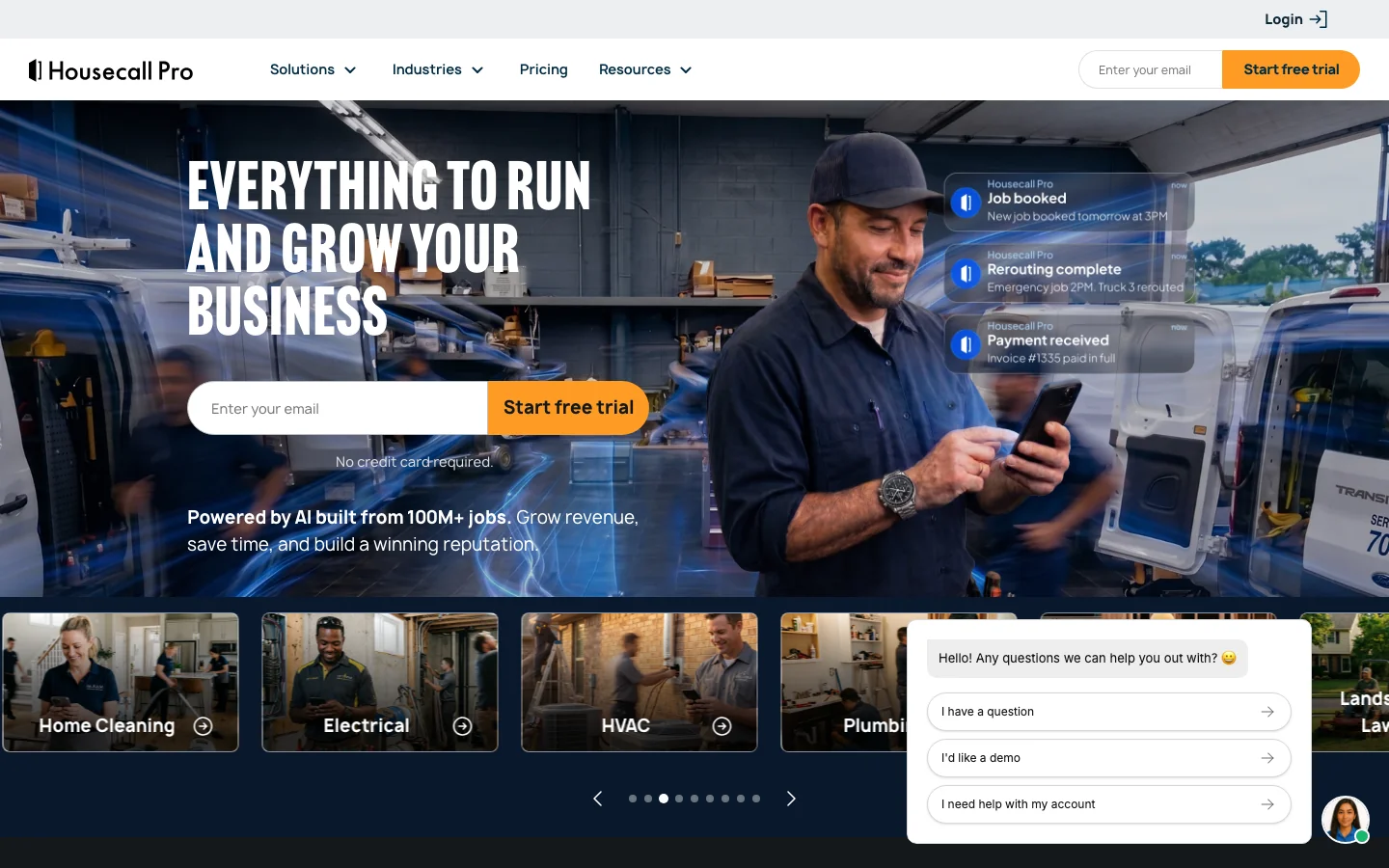
Housecall Pro is the one platform here with prices on its page. Its published plans include one, five or eight users, and each user past eight on the largest plan is $35 a month; at a hundred technicians that per-user fee, more than the plan, decides the bill.
Since September 2025 a technician can build and send an invoice by talking to the app, and the Essentials plan adds flat-rate pricing (a set price per task, whatever the hours) and checklists. What the technician says goes on the invoice; its pages describe nothing that reads the notes afterwards.
- Invoices built and sent by voice in the field
- Flat-rate pricing and checklist automations from Essentials
- Photo reports with annotations
- Open API access on Max
- The app in English and Spanish
What Reddit says
59.4 / 100
48 independent mentions in 20 threads, 2021 to 2026
I use house call pro, we run an HVAC division and a remodel division. It's been awesome. Super easy to use.
Housecall pro pretty much has all of the same features as ST it is just harder to get accurate reporting information out of for numbers tracking.
We use House Call Pro and it’s been taken over my AI and has become an unusable mess.
Pros
- Prices on the page
- Invoices by voice in the field
- Easy to learn, users say
Cons
- Eight users included at most, then $35 each
- Reporting is harder to pull, a user says
- One user found its recent AI changes hard to work with
FieldEdge
Flat Rate on Every Plan
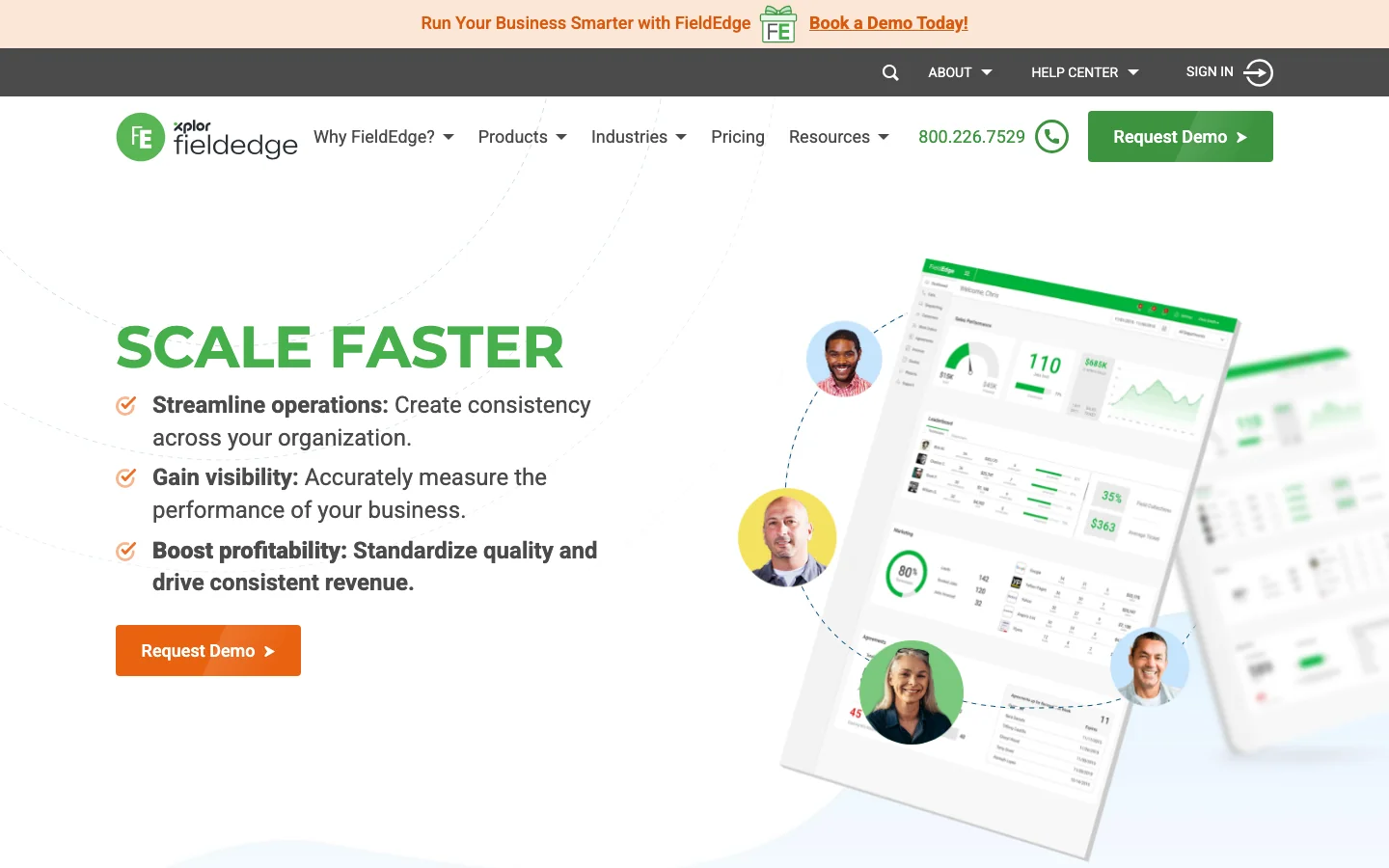
FieldEdge, part of Xplor, is built for HVAC, plumbing and electrical companies running several trucks, and puts its pricebook and flat-rate pricing on every plan.
With flat rate, the technician picks priced tasks from the book, and the invoice is built from them and paid on site. Work outside those tasks lives in the notes, and FieldEdge's product pages describe no AI on the invoice.
- Pricebook and flat-rate pricing on every plan
- Invoices and payments taken in the field
- Multi-option quotes from Premier
- Integrated payments on every plan
- Proposal Pro on Elite
What Reddit says
31.5 / 100
27 independent mentions in 15 threads, 2021 to 2026. Outside threads started as complaints it scores 46.9
Fieldedge is nice to use on the tech side for sure.
Fieldedge has been good, but admittedly more geared towards resi and we've found some limitations in that regard. Price point was much better than service titan though
We use field edge and it sucks. But mostly cause the office folks never got any actual training.
Pros
- Flat rate on every plan
- Built for HVAC, plumbing and electrical
- Invoicing and payment in the field
Cons
- No published price
- No AI described on the invoice
- Users split hard on the field app
Most Platforms Catch Missed Work in the Field
| Platform | Where the check runs | Start with it if |
|---|---|---|
| Custom AI agents by Qvery | On every closed job, against its invoice, beside your platform | You keep your platform and want each job read before billing |
| BuildOps | Visit notes read by agents before closeout, from January 2027 | Your work is commercial and you would switch to BuildOps for it |
| ServiceTitan | In the field: pricebook and checklists; AI writes the summary | You want the whole office in one system, with staff to run it |
| ServiceTrade | In the field: parts tied to each job, then finished work moved to billing | Your work is commercial service and your office keeps growing |
| Housecall Pro | In the field: the invoice built by voice or tap | Your crews are small and you want the price up front |
| FieldEdge | In the field: flat-rate tasks from the book | You price most calls by flat rate and want it on every plan |
On dispatch, pricing and reporting these platforms differ in plans and limits. On unbilled work they lean on the moment the technician builds the ticket: flat rate, checklists, a pricebook on the phone and invoices by voice all make the line easier to add in the field.
Before the invoice, only BuildOps' pages describe agents that read what the technician wrote for work left off the job: on open jobs, before closeout, inside BuildOps, from January. None of the five describes reading a closed job against its finished invoice. That leaves one question to settle: where that second read happens.
Moving platforms to get it can mean setting up a new pricebook, migrating years of jobs and memberships, and retraining every technician on a new app. Adding the read beside the platform you keep leaves all of that where it is.
 Vlad ShvetsPartner @ Qvery
Pick the platform for dispatch, pricing and the app your technicians will use every day; that is the work it does well. Then decide, as a separate question, who reads the closed jobs. If nobody does, the part a technician wrote down and never billed may be money the company earned and never asked for. Moving a hundred trucks to a new app is a high price for that read when it can run beside the app you have.
What Qvery's Agents Put in Front of Your Billing Team
Take a company of about 200 people running ServiceTitan with seventy technicians; it is a made-up example, not a client. On Monday morning its billing lead opens the agents' list for the jobs closed last week, each item priced from the company's own pricebook:
- A no-heat call where the notes read "replaced inducer motor, came back Wed to finish", and the invoice carries one trip
- "Ran 15 ft new condensate line" in the notes of an air conditioner repair, with no line for it
- A water heater swap closed on Thursday that has no invoice at all
A filter changed on a member's tune-up comes up already marked covered, by the membership rules.
At Qvery, we help home service companies get paid for work already done, with custom AI agents that read each closed job against its invoice and price what's missing.
Qvery's agents get read-only access to jobs and invoices, under a data agreement signed before the build that names who sees the jobs and where they are processed. They never change, hold or send an invoice.
A finding names the job and the note, never the person who wrote it. What gets charged stays your billing team's call, with each ruling kept beside the job.
 Piotr BabelPartner @ Qvery
Technicians write in shorthand: a cap, a 45/5, a part number off the van shelf, "second trip". Before the agents read a live job, we teach them your pricebook codes and your crew's names for parts on a month of your own closed jobs. A note they still cannot match goes to your billing team as a question, never guessed and never dropped.
To see the list on one of your own jobs, drop a closed job's notes or ticket and its final invoice into the agents below, and the result comes back by email.
We start on jobs you have already billed. In about two weeks the agents read last month's closed jobs, and your billing lead marks each finding right or wrong before any live invoice is touched.
In weeks three and four they check each day's closed jobs beside your billing team, and from the fifth week every job is read as it closes.
Where invoices are finished in QuickBooks rather than in the field app, the agents read them there and tie each one back to its job number.
Frequently asked questions
What is field service management software?
The system a service company runs its jobs on: it books calls, dispatches technicians, carries the pricebook to their phones, builds the invoice and takes payment on site. Beyond that, features vary by platform and plan: memberships, payroll and reporting on several, and AI that writes summaries or drafts invoices on the newer ones.
Which field service software catches unbilled work?
BuildOps describes agents that read visit notes for parts, fees and time that never reached the job, from January 2027. The others mostly help in the field, while the technician builds the ticket. A read of each closed job against its invoice can run beside most of them, once access or a nightly export is confirmed.
Why does work a technician wrote down still go unbilled?
The invoice is built from the items on the ticket, while extra work often lives in free-text notes: a part grabbed from the van, more pipe or wire than planned, a second trip, an hour of tracing a fault. Of the five platforms here, none describes comparing the two once the job is closed.
Does flat-rate pricing stop unbilled work?
It changes where the misses happen. A flat-rate task prices the parts and labor a job usually needs as one item; whether work outside the task, a second trip or extra material, is charged depends on your rules and on someone adding it.
How are warranty and goodwill jobs handled?
Warranty repairs, goodwill fixes and work inside a membership or a flat-rate price are often meant to be free. For a read of closed jobs, those rules have to be written down, or a warranty part with no invoice line shows up as possible missed work.
Which of these platforms publish their prices?
Housecall Pro does: $59 to $329 a month by plan, with eight users on its largest published plan and $35 a month for each added user. ServiceTitan prices per technician, ServiceTrade mainly by technician count, BuildOps by field and office users, and FieldEdge through a demo.
Which suit commercial work, and which residential?
BuildOps and ServiceTrade are built for commercial contractors, and ServiceTitan sells itself to both. Housecall Pro calls itself software for home service businesses, and FieldEdge is built for HVAC, plumbing and electrical companies running several trucks.
What is the difference between flat rate and time and materials?
Flat rate charges a set price for each task from the pricebook, whatever the hours. Time and materials, often written T&M, bills the hours worked and the parts used, so on a T&M job any hour or part left in the notes is a line the customer never sees.
Can AI build the invoice for the technician?
Partly. Housecall Pro builds and sends an invoice from the technician's voice, ServiceTitan writes the invoice summary from the job, forms and items, and BuildOps' Billing Agent, from January 2027, builds invoices from each customer's billing rules. Each works from what was entered on the job.
What does switching platforms take?
Usually a pricebook set up in the new system, jobs, customers, equipment and memberships migrated, and technicians trained on a new app; the scope depends on the move. BuildOps includes implementation in every plan; the time your office and crews spend on the move comes on top.
Will a notes check make technicians feel watched?
It should not. A finding names the job and the note, never the person, and the usual fix is in how the work order or the pricebook is set up.
When is a missed charge cheapest to catch?
Before the invoice goes out: the line is added and the customer gets one correct bill. After payment it takes a second invoice, a call to explain it and sometimes a write-off.
Do these platforms work with QuickBooks?
BuildOps lists QuickBooks among its accounting integrations, ServiceTrade includes a QuickBooks integration from its first suite, and Housecall Pro syncs with QuickBooks Online from its Essentials plan.
Can old jobs be read too?
Yes. A read of jobs already billed shows what slipped through last month before any live invoice is touched, and the billing team decides which items are worth raising with the customer.
What do we need for a second read beside our platform?
Read access to closed jobs, notes, parts and invoices, the pricebook with its flat-rate and membership rules, and the person who owns those rules.
