On this page
- 1. CoCounsel Legal
- 2. Lexis+ with Protégé
- 3. Harvey
- 4. Legora
- 5. Spellbook
- 6. Everlaw
- 7. Ask iManage
- 8. Clio Work
- The Seat Floor Decides More Than the Feature List
- A Seat Earns Its Price Only From a Lawyer Who Uses It Every Week
- How Qvery Builds the Agent That Carries a Draft From the AI Tool to Signature
- Match the Tool to Your Practice Mix and the Systems You Already Pay For
- Frequently asked questions
A law firm of a few hundred people sells its lawyers' time, and much of that time goes to reading and first drafts: the research memo, the markup of the other side's contract, the first pass through a production.
Associates draft, partners check, and the client pays for the hours or the firm writes them off.
AI tools now take a large part of that first pass. They are sold by the seat, to every lawyer you license, at a price most vendors give only on a call, and the lawyer who signs the filing still answers for every citation the tool wrote.
Here are eight, one for each job a firm buys AI for: research, drafting across practice groups, contracts, discovery, the document system and the practice system.
They run in the order a firm your size should look at them, judged on what you can check before you sign: whether the price is published or quoted, how many seats you must buy, and whether it works in Word and the document system your lawyers already use.
Each tool works inside its own window. The path between them, from the AI draft back into the right matter, to the partner who reviews and signs it, with a record of who checked each citation, runs on your firm's own rules, and the firms that automate it build it.
That is the work we do: Qvery builds custom AI agents for a law firm's operations, connected to the systems it already runs. If you need one, get in touch. After the list, I'll show how we build the first one.
What Reddit says
Lawyers and legal technologists on Reddit, on quotes, seats and trials
Pricing seems to vary by what they think they can get you for.
So many CIOs I’ve talked to with Harvey in place say the same thing: adoption is weak, maybe a handful of power users and scores of untouched licenses.
there was one line in there that should have disqualified the prospect due to an heirship issue and every system missed it
No native connection to our DMS.
The first two are about money: the quote depends on who is asking, and the seats a firm pays for are not the seats its lawyers use. The last two come from one firm's three-week trial of three platforms, and they are why this list weighs fit and checking over features.
CoCounsel Legal
Research and Drafting Inside the Westlaw Contract You Already Have
CoCounsel Legal is Thomson Reuters' AI on top of Westlaw and Practical Law, and that is its case for a firm already paying for Westlaw: research, analysis and drafting from one request, grounded in content you license, with linked citations to check.
Its brief builder drafts from Westlaw and Practical Law authority, and the attorney picks the arguments and validates every citation.
It also reads your own documents. Thomson Reuters says it reviews up to 10,000 documents against 100 questions, and it analyzes and drafts with your iManage content without leaving your workflow.
The price stops being public above 10 attorneys. Above that, you call. One firm of 102 attorneys and fee earners reported being quoted about $1,600 a seat a month for Westlaw, Practical Law and CoCounsel bundled together.
- Research, analysis and drafting from one request, grounded in Westlaw and Practical Law.
- Westlaw Brief Builder: a brief from issue framing to argument structure.
- Document review: up to 10,000 documents against 100 questions.
- Drafting with your iManage content, without leaving your workflow.
What Reddit says
36.3 / 100
From 113 independent mentions in 34 threads, give or take 6.4 points
We’ve had Advantage and Co-Counsel for a couple of months. I love it.
Westlaw cocounsel, used for research but never drafting, is the AI tool that gives me the most bang for my buck.
Cocounsel has been a massive disappointment. We would get out of our contract if we could.
The score is lawyers on Reddit setting it against the platforms below, and many call its drafting weak. Its research is what its fans pay for, and its G2 score is the highest on this list.
Pros
- Grounded in Westlaw and Practical Law
- Analyzes and drafts with your iManage content
- The highest G2 score on this list
Cons
- No online price above 10 attorneys
- One of the two lowest Reddit Scores here
- Lawyers split on its drafting
The test: give it the research question behind your last brief, and compare its memo, citation by citation, with the one your associate wrote.
Lexis+ with Protégé
Shepard's Checks Inside the AI Draft
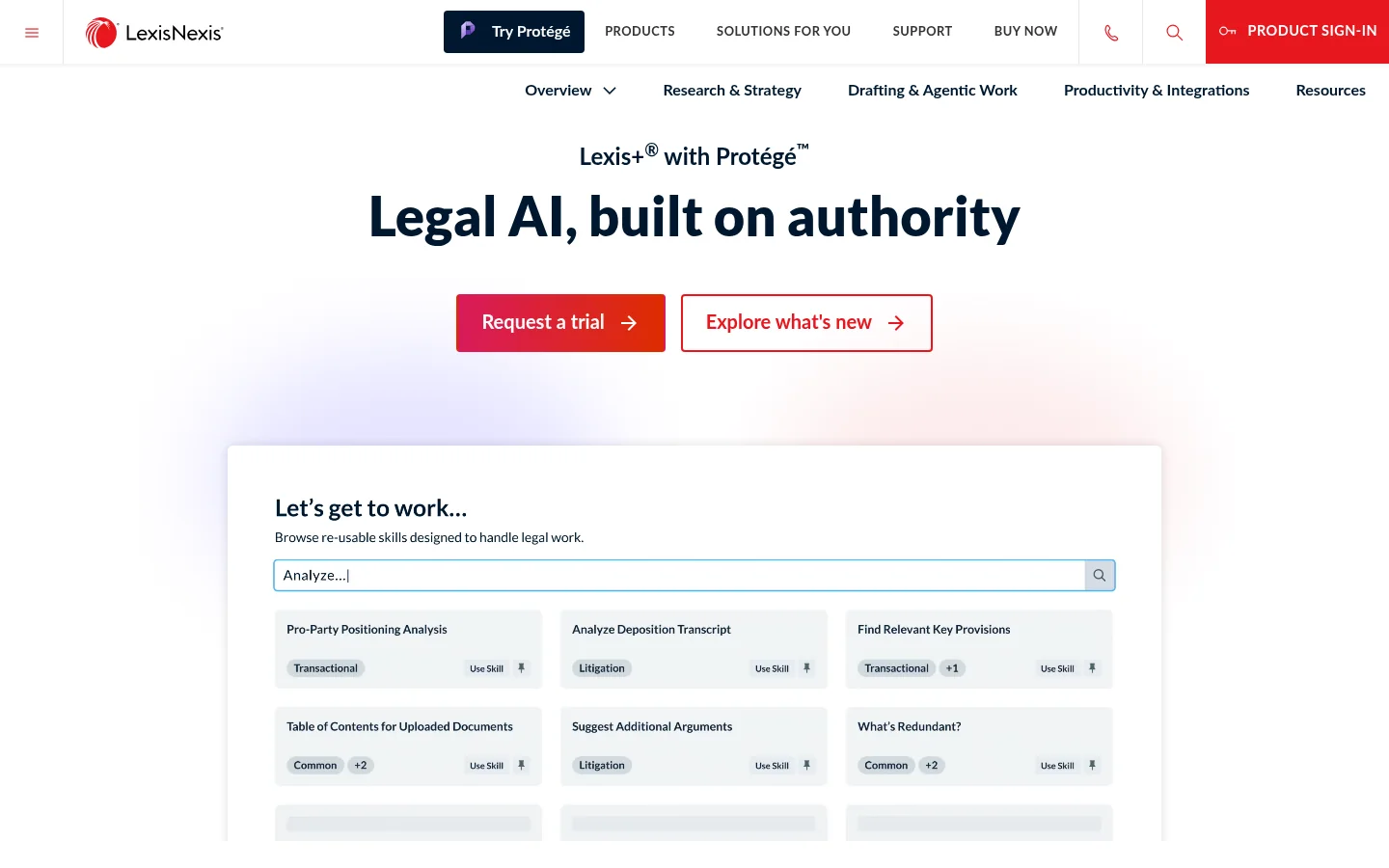
Lexis+ with Protégé is the same move for a firm on Lexis: LexisNexis's AI assistant for research, analysis and drafting, grounded in LexisNexis content, with Shepard's to validate citations and check each authority's status inside the draft.
Its page says it connects to iManage, SharePoint and NetDocuments to answer and draft from your own documents. A consultant running one firm's pilot on SharePoint set out to learn whether that connection indexes the firm's documents or only searches them, and that is the question to settle before you sign.
The online store sells to the smallest firms (for 3 or more seats it asks you to contact sales), and even there the AI plan reads "pricing on request". The prices it does list are for Lexis+ research without the AI.
- Protégé drafts and refines contracts, motions, briefs, complaints and client communications.
- Shepard's validation of citations inside the research and drafting workflow.
- Practice notes, annotated forms and drafting guidance across 25 practice areas.
- Connections to iManage, SharePoint, NetDocuments and other document systems.
No rating: G2 lists three reviews, too few to read.
What Reddit says
44.4 / 100
From 36 independent mentions in 21 threads, give or take 11.6 points
I have Lexis AI and it is well worth the price.
It’s a good starting point, though, and the deep research feature lets you tweak what it’s actually writing up.
Lexis Protege may be worse. It errors out constantly.
Pros
- Shepard's inside the draft
- Document-system connections named on its page
- The natural add for a Lexis firm
Cons
- Priced on request at every size
- Too few reviews for a rating
- Some users report errors and weak answers on hard questions
The test: point it at your messiest matter folder and ask a question only a document deep inside it can answer.
Harvey
One Platform for Every Practice Group, Sold by the Seat
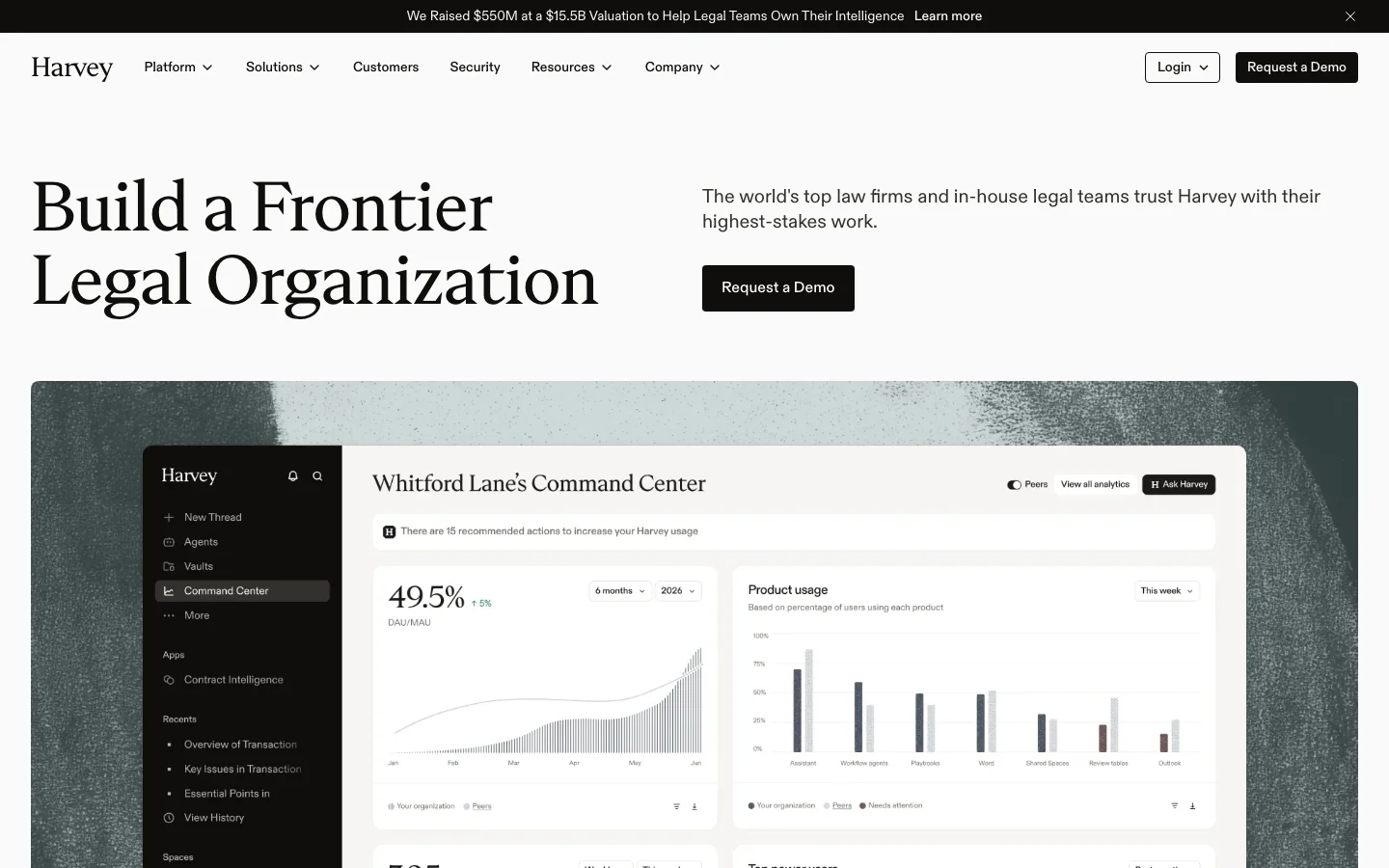
Harvey is the platform lawyers talk about most: an assistant, document vaults, workflow agents, and add-ins for Word and Outlook. It has a page and an onboarding team for firms your size, lawyers who shape your first workflow around the work slowing you down most and then hand it over.
What you pay is a quote, and the reports move. In 2025 one litigation firm was quoted a 60-attorney minimum, and another was asked to pilot with 40 lawyers and settled on 15.
In early 2026 the firm of 102 reported a Harvey quote of $1,200 a seat a month, $2,400 with the Lexis content, and later a lower tier near $399. A technology lead at a 115-attorney firm says the minimum seat commitment has since dropped.
- Assistant and Vault: questions and review across large document sets.
- Workflow agents for repeatable tasks, and your own built on top.
- Word and Outlook add-ins.
- Connector Library: security-reviewed connectors or your own.
- SAML single sign-on, audit logs, IP allow-listing and data lifecycle controls.
What Reddit says
36.0 / 100
From 375 independent mentions in 40 threads, give or take 3.5 points
I use Harvey and I think it’s great. Each iteration of Harvey gets better and better and I have no complaints.
The ability to feed it 200 documents and use the built in table tool to build a spreadsheet of data off them.
It’s great for drafting, but I have trouble trusting it for analysis or research.
All the associates hated Harvey and weren’t too keen on CoCounsel.
Harvey draws the most talk on Reddit of any tool here, and much of the negative is about its price and whether it adds enough over a general assistant, more than about using it.
Pros
- The broadest platform on the list
- A team that builds your first workflow
- Works in Word and Outlook
Cons
- No published price, and quotes differ by firm
- Seat minimums on record
- Users split on its analysis
The test: ask for a pilot sized to the lawyers who will use it daily, with the price of the full rollout and its seat count in writing before it starts.
Legora
A Plan Before the Draft, in Word and Outlook

Legora is Harvey's closest rival: an agent that proposes a plan before it drafts, tabular review across thousands of documents with each answer cited, legal research, and add-ins for Word and Outlook. The lawyers who like it on Reddit like it for drafting from rough outlines and for the Outlook add-in.
Like Harvey, it publishes no price. It also sells intake, but for in-house legal teams routing requests from email, Teams and Slack; in a firm, the drafting, the review tables and the add-ins do the work.
- Legora Agent: proposes a plan, then searches, drafts, redlines and reviews.
- Tabular Review: one table of answers across thousands of documents, each cell cited to its source.
- Word Add-in and Outlook Add-in.
- Outlook: summaries of long threads, drafted replies, emails and attachments saved to a matter.
What Reddit says
40.4 / 100
From 171 independent mentions in 31 threads, give or take 5.2 points
Agentic Legora is doing pretty well taking my word salad outlines and drafting them to a level I can revise.
It really helps me drafting and (proof)reading documents. Also it’s legal search abilities have improved. The Outlook plugin is amazing.
I can't stand the card-based Word Add In interface.
Pros
- Users praise its drafting
- Word and Outlook add-ins
- Tabular review across many documents
Cons
- No published price
- A thin G2 record
- Its Word add-in's suggestion cards divide users
The test: give Harvey and Legora the same three closed matters, and have the same lawyers grade the drafts without knowing which tool wrote which.
Spellbook
Your Playbook on Every Contract, in Word
Spellbook takes one job, contracts, and does it inside Microsoft Word: review against your playbook, redlines, drafting from your own precedents, and benchmarks of market terms. For a transactional group, that is the tool in the window they already work in.
A technology lead at a 115-attorney firm plans to license it for a year because laterals there use it every day. It prices by the number of people on the license; one user reported $300 a month without a long contract in 2025.
- Review: a first pass against your standards, with redlines.
- Playbooks: your positions turned into checklists run on every review.
- Draft: clauses, agreements and revisions from AI or your precedents.
- Benchmarks of terms, and Associate, its agent for work across several documents.
What Reddit says
51.9 / 100
From 54 independent mentions in 14 threads, give or take 8.6 points
I absolutely love Spellbook. It’s the best legal drafting/redline/review tool I’ve ever used.
I am an attorney and think Spellbook is stellar.
Tried spellbook and cancelled. Gave me a bunch of useless suggestions
Pros
- Lives in Word, where contract work happens
- Your playbook on every review
- Strong reviews on G2
Cons
- Contracts only
- No published price
- Some users left for other Word tools
The test: run last month's NDAs against your own playbook in it, and count the clauses it flagged that your lawyers would not have.
Everlaw
AI Answers Cited to the Record of a Whole Matter
Everlaw is a discovery and litigation platform, and its AI works on the record: Deep Dive answers questions across a whole matter with citations to the source documents, Coding Suggestions proposes first-pass review calls with a reason for each, and a writing assistant builds arguments from the evidence.
It is the one entry not sold by the seat. Its plan lists unlimited user licenses, and its AI features run on credits. Two firms on Reddit report pricing by the gigabyte, Deep Dive included as a one-time charge per gigabyte.
- Deep Dive: plain-language questions across a matter, cited to the documents.
- Coding Suggestions: first-pass review calls, each with its justification.
- Writing Assistant and Review Assistant.
- Predictive coding, clustering and translation.
What Reddit says
55.4 / 100
From 46 independent mentions in 11 threads, give or take 10.2 points
I think Everlaw Deep Dive is better for natural queries compared to Case Strategy.
Everlaw is the iPhone of platforms, simple and easy to pickup - great for small matters.
I'm also evaluating alternatives to Everlaw due to contract costs and a tone-deaf sales team.
Pros
- Not priced per lawyer
- AI answers cited to the record
- 776 reviews on G2
Cons
- Discovery and litigation only
- No published price
- Some users push back on contract costs
The test: load one closed matter you already know well, and ask Deep Dive the three questions your trial team spent the most hours answering.
Ask iManage
Cited Answers From the Documents Already in Your DMS
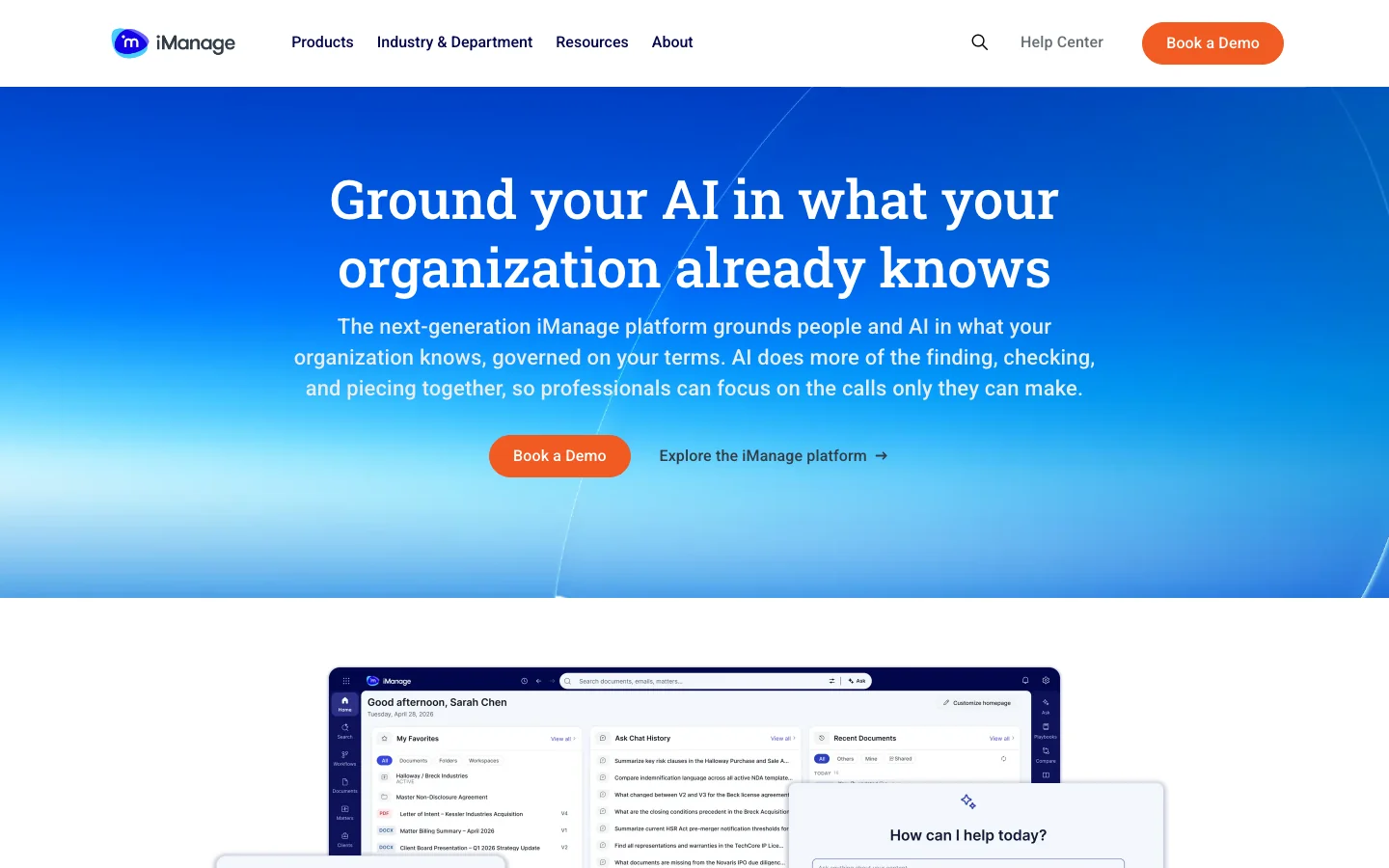
Built into iManage Work 10, it takes one prompt, searches your whole repository, reads what it finds and answers with citations, and the documents never leave iManage or the permissions you already set.
That answers the first complaint of the firm that built its own tool: the AI and the documents live in one place. If your firm runs NetDocuments, its ndMAX suite is the same idea, bringing the AI to your content rather than your content to the AI.
- Ask iManage: questions across the repository, answered with citations.
- Summaries and overviews of long documents.
- Answers that follow your existing permissions, security standards and governance policies.
- Connections out to Microsoft 365 and AI partners, Harvey and Legora among them.
What Reddit says
47.9 / 100
From 70 independent mentions in 16 threads, give or take 7.6 points
Client/matter centricity is imperative in the modern law firm.
We moved from iManage to NetDocuments, and if I could wave a magic wand and move us back to iManage tomorrow, I would do it 11 times out of 10.
Ask iManage is ok, but the pricing on that is insane, as well.
The score is for iManage as a whole: on Reddit, firms talk about the system far more than its assistant.
Pros
- The AI sits where your documents already are
- Your permissions and walls apply
- Opens out to the platforms on this list
Cons
- Only for firms on iManage
- No published price
- Users call the add-ons expensive
The test: ask it for every engagement letter with a particular clause on one practice group's matters, and check the list against what your team finds by hand.
Clio Work
Legal AI for a Firm That Runs on Clio

Clio Work reads the matter already in Clio, its documents, emails, notes and deadlines, researches the law against those facts with a citator that confirms each authority is current, and drafts in Word. Clio now owns vLex, so the research library behind it is vLex's.
It fits the smaller end of the firms this list is for, where Clio runs the practice.
Its one published price has no AI in it: Clio Manage's Starter plan, $49 a user a month. AI comes with the higher plans and with Clio Work, all priced on request; one user reported Clio Work at $299 a license a month.
- Clio Work: matter-aware research, analysis and drafting, cited to its sources.
- A built-in citator that confirms an authority is current before you cite it.
- Clio Manage's AI: bills drafted on schedule, documents turned into deadlines, client updates drafted from matter activity.
- Court monitoring that brings new filings onto the matter.
What Reddit says
58.9 / 100
From 56 independent mentions in 23 threads, give or take 8.3 points
We just trialed CoCounsel and found it to be significantly worse than Clio Work AI, which was quite surprising.
I use Clio Work and it does a really good job with putting together Discovery responses, especially document heavy ones.
I wanted to demo Clio draft and what their sales people showed me made me hope there’s something better.
The score is for Clio as a whole; most of its mentions are about running the practice, not the AI.
Pros
- AI that starts from the matter, not a blank prompt
- A citator in the research
- No upload step for documents already in Clio
Cons
- Built for firms on Clio
- The AI tiers are priced on request
- Its drafting tools drew mixed demos
The test: open a live matter and ask it for the deadlines, the open issues and a first draft of the next filing, then compare all three with what the responsible associate would write.
The Seat Floor Decides More Than the Feature List
| Tool | Job | Price | Works inside | Reddit Score |
|---|---|---|---|---|
| CoCounsel Legal | Research and drafting | Online to 10 attorneys; quoted above | Westlaw, iManage, Microsoft 365 | 36.3 |
| Lexis+ with Protégé | Research and drafting | On request | Lexis+, iManage, SharePoint, NetDocuments | 44.4 |
| Harvey | Platform | Quoted | Word, Outlook, connectors | 36.0 |
| Legora | Platform | Quoted | Word, Outlook | 40.4 |
| Spellbook | Contracts | Quoted by team size | Word | 51.9 |
| Everlaw | Discovery | Quoted; unlimited users | Its own platform | 55.4 |
| Ask iManage | Document system | Not published | iManage Work | 47.9 |
| Clio Work | Practice system | On request; $49 Starter without AI | Clio, Word | 58.9 |
Read the price column first. No entry publishes a price a firm of 100 to 500 people would pay: the two research tools sell online only to the smallest firms, and everything else is a quote.
What you can still check before a demo is the seat floor in the contract and whether the tool opens inside the systems your lawyers already use.
A Seat Earns Its Price Only From a Lawyer Who Uses It Every Week
Start with what the ethics rules say about the bill. Under the American Bar Association's Formal Opinion 512, a lawyer who bills by the hour bills only the actual time, and a tool that equips the practice is overhead the client does not pay for unless told in advance.
So a seat is paid from the firm's own margin, and it earns that back only as hours that turn into money: matters taken on without a new hire, fixed-fee work finished faster, time written off today that stops being written off.
Then count who uses it. One firm's technology buyer says use of its Thomson Reuters tools runs under 20% a month, and others describe a handful of power users beside licenses nobody opens. Here is the arithmetic for a firm of 60 lawyers, with example figures: every one of them is an assumption to replace with yours.
| Every lawyer seated | Only weekly users seated | |
|---|---|---|
| Seats | 60 | 15 |
| Price per seat a month | $1,200 | $1,200 |
| Cost a month | $72,000 | $18,000 |
| Hours a month to break even at $250 an hour | 288 | 72 |
| Hours a month per weekly user | 19.2 | 4.8 |
The same 15 lawyers do the same work in both columns. With every lawyer seated, each of the 15 has to hand back about four and a half hours a week for the tool to pay; with only the 15 seated, a little over one.
The seat floor is the number to settle before you sign, because a minimum of 60 seats buys you the left column whether or not the other 45 lawyers ever open it.
Then take the checking out of the hours saved. In Wadsworth v. Walmart, a federal court in Wyoming fined three lawyers in February 2025 after their motions in limine cited nine cases, eight of which did not exist.
The fake cases came from what the court describes as an in-house AI database the firm had launched, and the two lawyers who signed without reading the motion were fined too. The court's rule was plain: make a reasonable inquiry into the law before signing, or do not sign.
The ABA's opinion asks for the same thing in gentler words: review proportionate to the tool and the task, possibly lighter where the tool has already proved accurate on a smaller set. So run that test before you count a single hour, and count the checking against the time saved.
How Qvery Builds the Agent That Carries a Draft From the AI Tool to Signature
When a lawyer finishes a draft in whichever tool on this list your firm uses, the agent files it to the right matter in the document system with the firm's own profile fields, so nobody downloads and re-uploads it.
It pulls every citation and quotation into a checklist, each with the page it came from, and opens the review task for the partner who will sign.
The partner checks each line against its source. The agent does not decide whether a case is good law; it makes sure nobody signs before every line is checked, and it saves the checklist to the matter with who checked what, and when.
The same way of working covers the rest of a firm's operations, from the first inquiry to the closed file. Our legal playbook walks a matter through those steps and names where an agent helps first.
We learn how drafts move through your firm today, connect the agent to your document system, your task system and the AI tools you already pay for, and reach a first working result in two weeks. Then we train the lawyers and assistants who work with it. From there it runs on its own, on autopilot, beside them.
Every week it runs, we count two things: the hours it hands back, in drafts filed and reviews opened without anyone chasing them, and the errors it stops before they leave the firm, a citation nobody checked or a draft saved to the wrong matter.
If your lawyers already draft with AI and the checking still runs on email and memory, start with one practice group's drafts.
Match the Tool to Your Practice Mix and the Systems You Already Pay For
Litigation-heavy and on Westlaw: start with CoCounsel Legal, and get the quote for your number of lawyers before the demo.
On Lexis: Lexis+ with Protégé, tested on your own messiest matter folder.
Several practice groups and the budget for one platform: run Harvey and Legora on the same three closed matters, with the same lawyers, before you sign either.
Transactional work that lives in Word: Spellbook, with your playbook loaded on day one.
Large productions: Everlaw, priced on your data rather than your seat count.
Documents scattered between the AI tool and the DMS: start with the assistant inside iManage or NetDocuments.
A smaller firm that runs on Clio: Clio Work, on the system that already holds the matter.
A personal injury practice: look at the tools built for demand letters and medical chronologies, such as EvenUp and Supio, before any platform.
Whichever you pick, seat the lawyers who will use it every week, not the whole firm, and keep the Wyoming court's rule, a reasonable inquiry into the law before anyone signs, which in practice means checking every citation.
The path between your systems, from the AI draft back into the right matter to the partner who signs it, runs on your firm's own rules. The firm that trialed three of these platforms found none of them connected to its DMS and task system, so it is building that part itself.
That is the work we do: Qvery builds custom AI agents for a law firm's operations, connected to the systems it already runs. If you need one, get in touch.
Frequently asked questions
What are the best legal AI tools for a law firm?
It depends on the job. For research and drafting, CoCounsel Legal on Westlaw or Lexis+ with Protégé on Lexis. For one platform across practice groups, Harvey or Legora. For contracts in Word, Spellbook; for discovery, Everlaw; inside the document system, Ask iManage or NetDocuments' ndMAX; on Clio, Clio Work.
How much does legal AI cost for a law firm?
For a firm of 100 to 500 people, almost always a quote. CoCounsel Legal sells online only to firms of up to 10 attorneys, and Lexis+ with Protégé is priced on request. One firm of 102 reported Harvey quotes from about $399 to $2,400 a seat a month, depending on the tier and the Lexis content.
Do legal AI tools have seat minimums?
Some do, and they are quoted rather than published. In 2025 firms reported a Harvey minimum of 60 attorneys and a pilot asked of 40 lawyers, and in 2026 a 115-attorney firm said the minimum had dropped. Ask for the minimum in writing before a pilot.
Is Harvey worth it for a firm our size?
It is if enough of your lawyers will use it every week to cover the seats you must buy. Harvey has an onboarding team for firms your size; price the full rollout, not the pilot, and ask what the Lexis content adds to the seat.
Can we use ChatGPT, Claude or Copilot instead of a legal AI tool?
Some firms do: a full-service firm of 100-plus lawyers was leaning toward Claude firm-wide plus a small research tool. Check which research library the assistant can reach: without Westlaw or Lexis connected, citations still need your research service, and the account needs terms that keep client data out of training.
Do we still need Westlaw or Lexis if we buy a platform?
For case law, plan on it. A firm that trialed CoCounsel, Harvey and Legora found the platforms offered little research of their own and said it would have to keep Westlaw on top of the platform's subscription.
Will a legal AI tool keep our client data out of model training?
Ask for it in the contract. Spellbook says its zero data retention agreements keep your data out of training, and Clio says the same of its agreements with the model providers; Harvey lists audit logs, single sign-on and data lifecycle controls. A general assistant needs a business plan with the same terms before client files go near it.
Can we bill the client for the AI tool?
Usually not for the seat. ABA Formal Opinion 512 treats a tool that equips the practice as overhead unless the client agreed in advance, and hourly work bills the actual time only. A third-party service used on one client's large review and charged per use can be billed as an expense.
What does AI for discovery cost?
Everlaw publishes no price, gives unlimited user licenses on its platform plan and runs its AI on credits. Users on Reddit say it quoted them by the gigabyte, with Deep Dive as a one-time charge per gigabyte, so the bill follows your data rather than your seat count.
Which legal AI tools work for contract review?
Spellbook works inside Word against your playbook. Harvey and Legora handle review across many documents in tables, and CoCounsel reviews document sets against your questions. Test each on NDAs against your own playbook first.
Do Lexis+ AI and CoCounsel make up citations?
Both ground their answers in their own libraries and link the sources, and Lexis checks status with Shepard's. Users on Reddit still report wrong or weak answers, so a lawyer checks every citation.
What verification rules do we need?
We recommend three: a lawyer reviews every AI draft in proportion to the task, checks each citation before signing, and keeps a record of the check. In Wadsworth v. Walmart, a court fined lawyers who signed motions citing cases that did not exist.
Should junior lawyers use these tools?
Yes, with training in checking every claim in an AI draft. Review is the skill that turns a fast draft into work a partner can sign.
What should a trial of a legal AI tool look like?
Three closed matters, the same lawyers grading every tool's output blind, a fixed number of weeks, and the price of the full rollout in writing before you start.
Do law firms build their own AI tools?
Some do. A 30-attorney firm that trialed three platforms is building its own, connected to its document system and task system. Its head of technology warns firms without a tech team to think twice. Qvery builds custom AI agents for that work.